
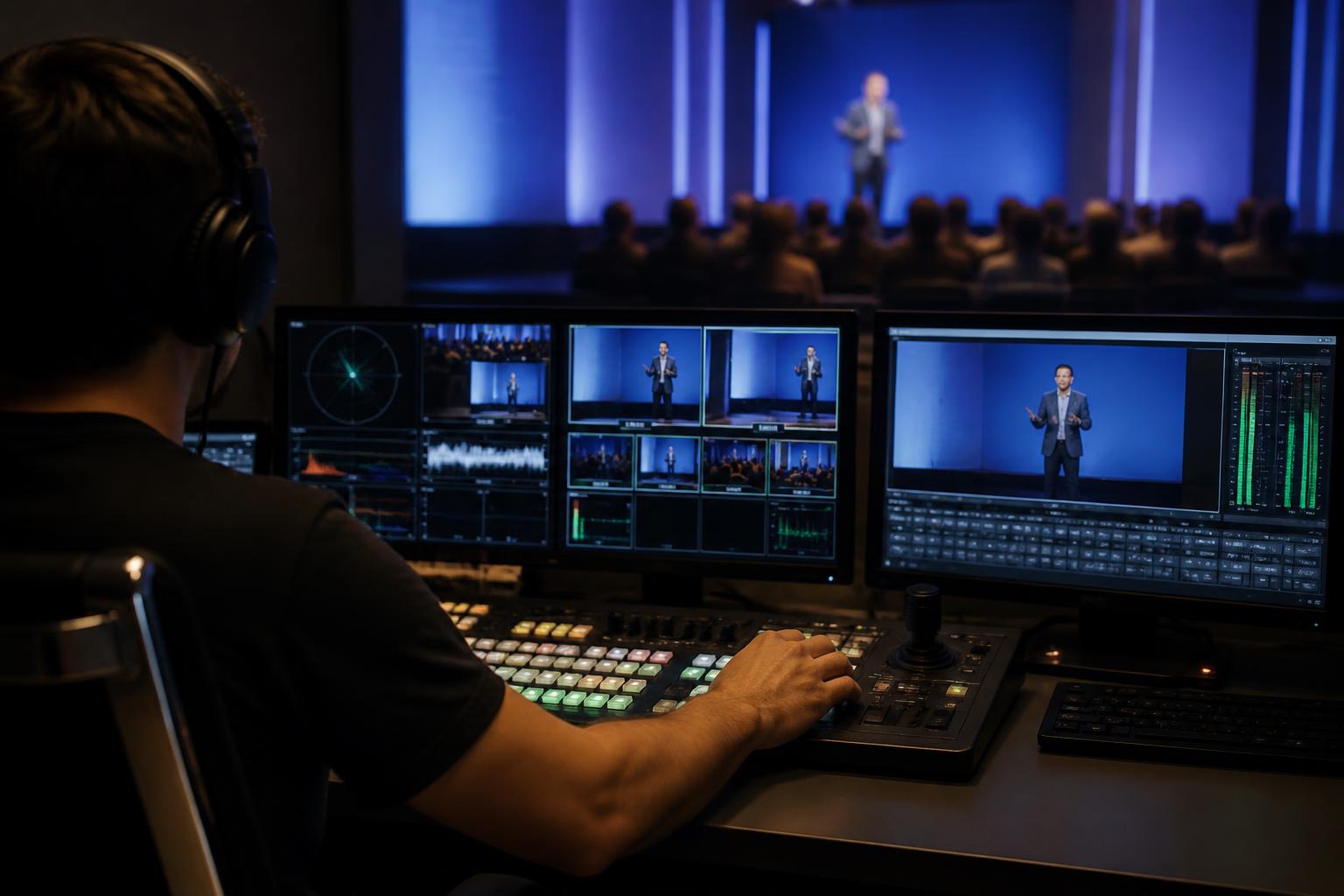
Video pre-processing is the quiet work that protects your audience experience. In live webcasts, most quality issues are blamed on broadband, Zoom, or the streaming platform. In reality, a large proportion of problems are introduced before the signal ever reaches the mixer. Video pre-processing is the set of checks and adjustments applied to incoming video sources so they behave predictably when combined, branded, and streamed. Done well, it reduces distractions, improves clarity, and helps your event look intentional rather than improvised.
It starts with standardising what “good” looks like. A typical remote webcast might include multiple presenters on different webcams, a slide feed, a pre-recorded VT, and perhaps a screen share. Each source can arrive with different resolutions, frame rates, colour profiles, audio loudness, and aspect ratios. If you mix them “as-is”, the viewer sees constant changes in sharpness, brightness, lip-sync, and layout. Pre-processing aligns these sources to a consistent house standard so the programme feed feels cohesive from start to finish.
Resolution, scaling, and aspect ratio: avoid the soft, stretched look. One of the quickest ways to lose perceived quality is inconsistent scaling. A 720p webcam stretched to a 1080p canvas will look soft; a 4K input scaled down without care can introduce aliasing or moiré. Pre-processing ensures each feed is framed properly, cropped intentionally, and scaled using clean algorithms. It also prevents common issues such as letterboxing when it is not wanted, or faces being clipped by lower-thirds because the source framing was never checked.
Frame rate and motion handling: keep movement natural. When sources arrive at mixed frame rates (for example 25 fps slides, 30 fps webcams, 60 fps screen captures), conversions can create judder, uneven motion, and occasional stutter. Pre-processing sets a stable production frame rate and manages conversions in a controlled way, so camera movement, hand gestures, and animated graphics appear smooth and consistent. This is especially important for product demos, sports analysis, or any content where motion is part of the message.
Colour, exposure, and white balance: protect skin tones and brand colours. Remote presenters sit in different rooms with different lighting, and webcams often auto-adjust aggressively. The result can be grey skin tones, blown-out highlights, or a distracting “pulsing” exposure shift mid-sentence. Pre-processing can tame auto-exposure behaviour, balance colour temperature across contributors, and apply gentle corrections so people look healthy and on-brand. It also helps ensure logos, slides, and product colours match what your audience expects, which matters for credibility.
Compression and noise: reduce artefacts before they multiply. Live video is often compressed multiple times: once by the contributor’s app, again in the production chain, and again by the streaming platform. If a source arrives already blocky or noisy, subsequent encoding will exaggerate it. Pre-processing can include noise reduction, sharpening used sparingly, and bitrate-friendly adjustments that make the final encode more efficient. The goal is not to “over-process” but to present a clean, stable image that compresses well without turning into mush.
Audio pre-processing is part of video quality, even when nobody says it is. Audiences will forgive a slightly soft picture, but they will not tolerate inconsistent loudness, echo, or harsh sibilance. If audio is not pre-processed, viewers experience sudden jumps between speakers, music that overwhelms voices, or captions that struggle because speech is unclear. Practical pre-processing includes noise gating where appropriate, gentle compression, EQ to improve intelligibility, and loudness normalisation so every contributor sits at a consistent level. When audio is controlled, the whole programme feels more “broadcast”, and viewers stay engaged for longer.
Latency and lip-sync: small timing errors look unprofessional. Different sources can arrive with different delays, especially when combining remote video calls with pre-recorded content and graphics. Without pre-processing and timing management, you can end up with lip-sync drift, awkward pauses after switching sources, or applause that lands late. A disciplined approach includes measuring delays, applying consistent audio/video offsets, and keeping transitions tight so the show rhythm feels natural.
Graphics, captions, and slides depend on clean inputs. Lower-thirds, name straps, and captions only look “right” if the underlying picture is stable and framed correctly. If the presenter’s face is too low in frame, captions cover their mouth; if the source keeps changing brightness, titles become harder to read; if slides are shared at the wrong aspect ratio, text becomes soft. Pre-processing is what makes your overlays, branding, and accessibility features land with confidence rather than fighting the content beneath them.
Pre-recorded video needs preparation too. VT inserts often come from different editors, agencies, or internal teams, and can vary wildly in loudness, colour, and encoding. Pre-processing checks codecs, levels, and safe areas, and ensures playback is smooth and correctly timed. It also helps avoid the classic live-event moment where a video plays back too quietly, with black bars, or with unexpected colour shifts compared to the live cameras.
The payoff is trust. When your webcast looks and sounds consistent, audiences stop noticing the production and focus on the message. Speakers feel supported, moderators can concentrate on the conversation, and stakeholders see a programme that reflects the professionalism of the organisation behind it. Video pre-processing is not about perfection for its own sake; it is about removing friction and protecting attention.
If you want your next webcast to look polished, feel cohesive, and hold attention from the first frame to the last, we can help. Explore our live remote webcasting and video services, and see how we combine Zoom feeds, titles, captions, slides, pre-recorded video, and interactivity into a broadcast-quality live stream at https://enbecom.tv.