
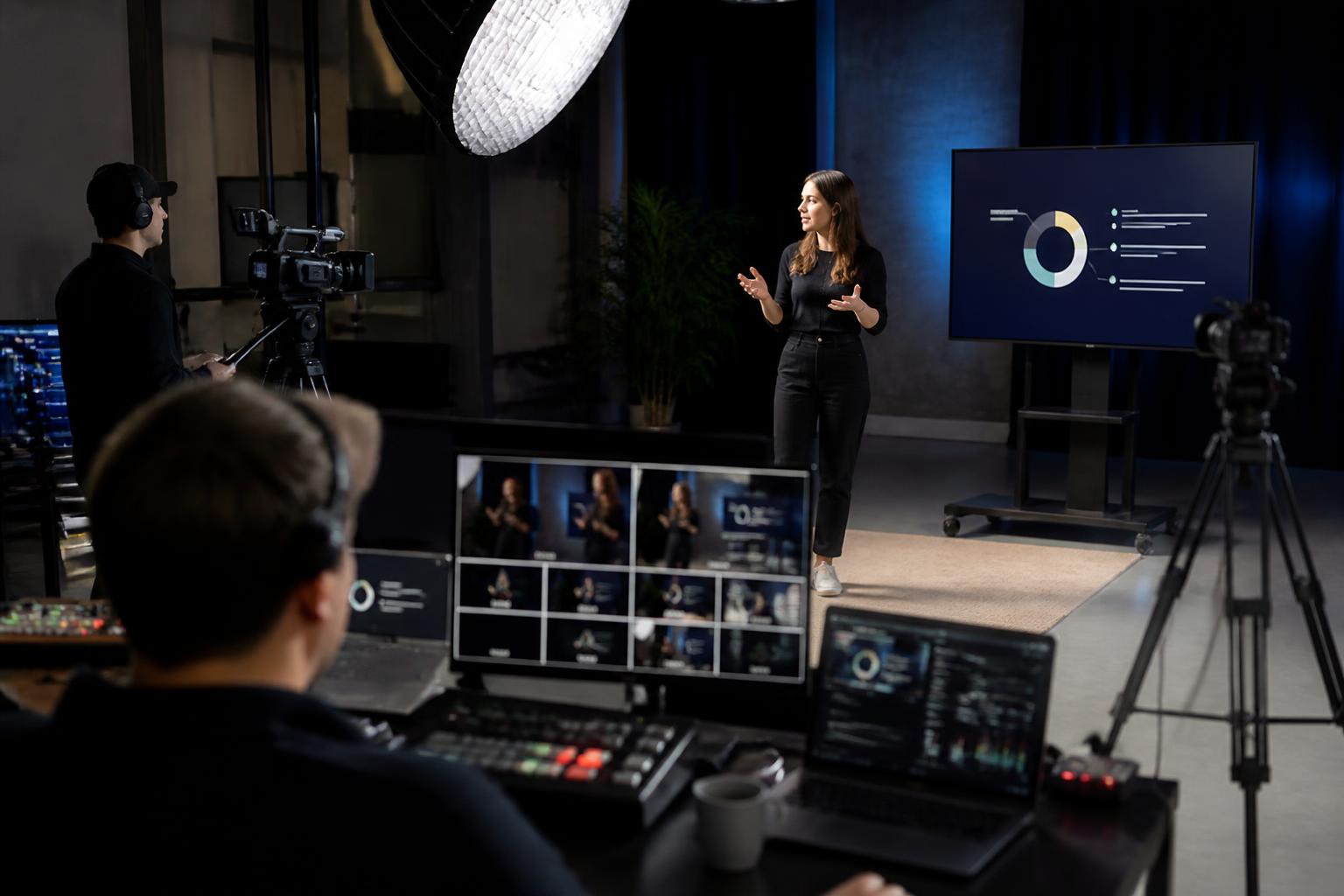
Successful webinars in 2026 are designed for attention, not attendance. The best-performing sessions are built around a clear outcome for the viewer: a decision they can make, a skill they can apply, or a perspective they can use immediately. With calendars full and patience short, “interesting topic” is no longer enough. Your audience needs a… Continue reading What makes a successful webinar right now
Category: Masterclass
Archives from the Enbecom Studios Blog
Category: Masterclass
How to create a pre-event checklist for webcasts
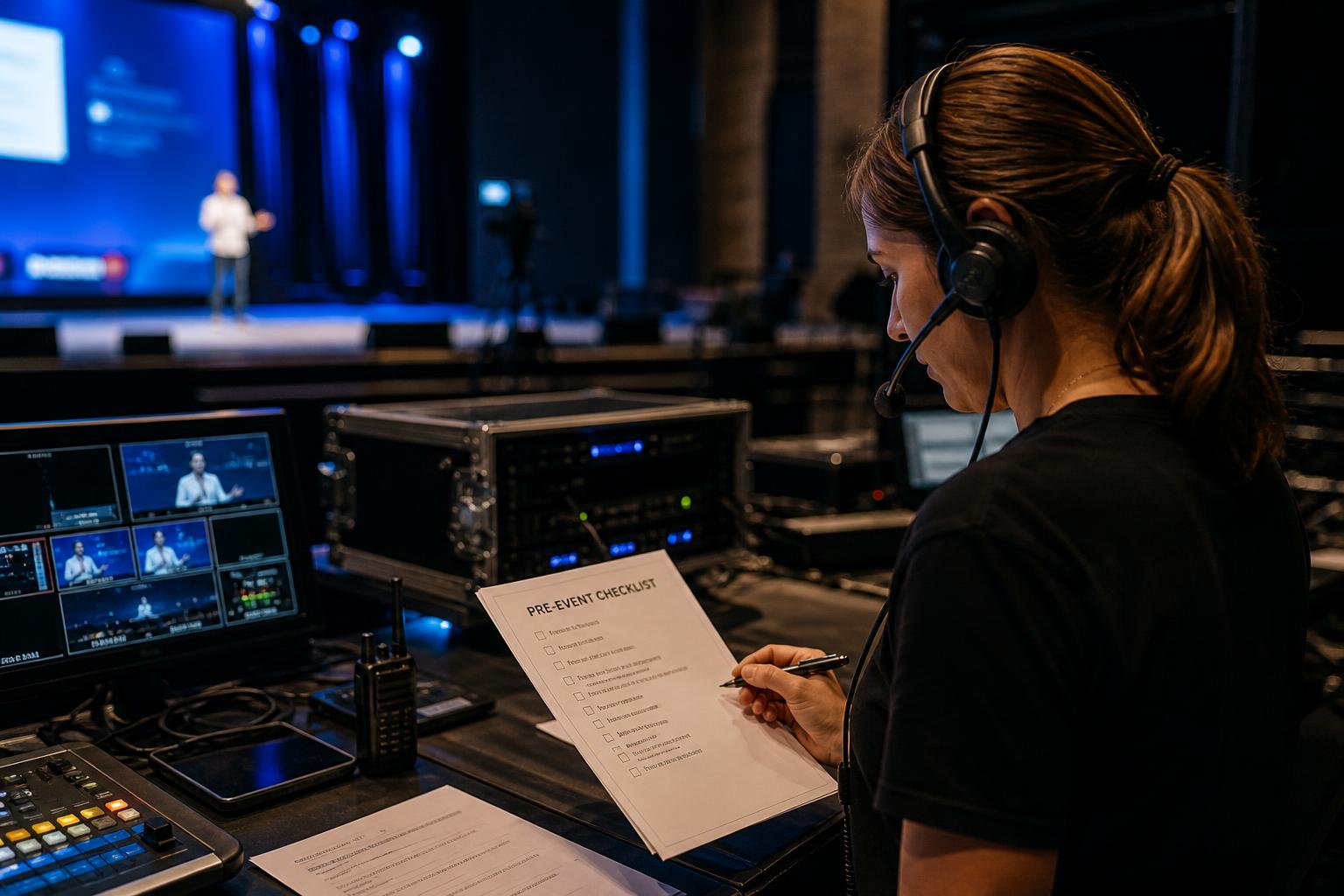
Start with the outcome and work backwards A pre-event checklist is most useful when it is built around what “good” looks like for your webcast. Before listing tasks, define the essentials: the purpose of the session, the audience, the desired actions afterwards, and the level of production required (simple webinar, panel discussion, multi-speaker event, or… Continue reading How to create a pre-event checklist for webcasts
Why video pre-processing matters in webcast quality
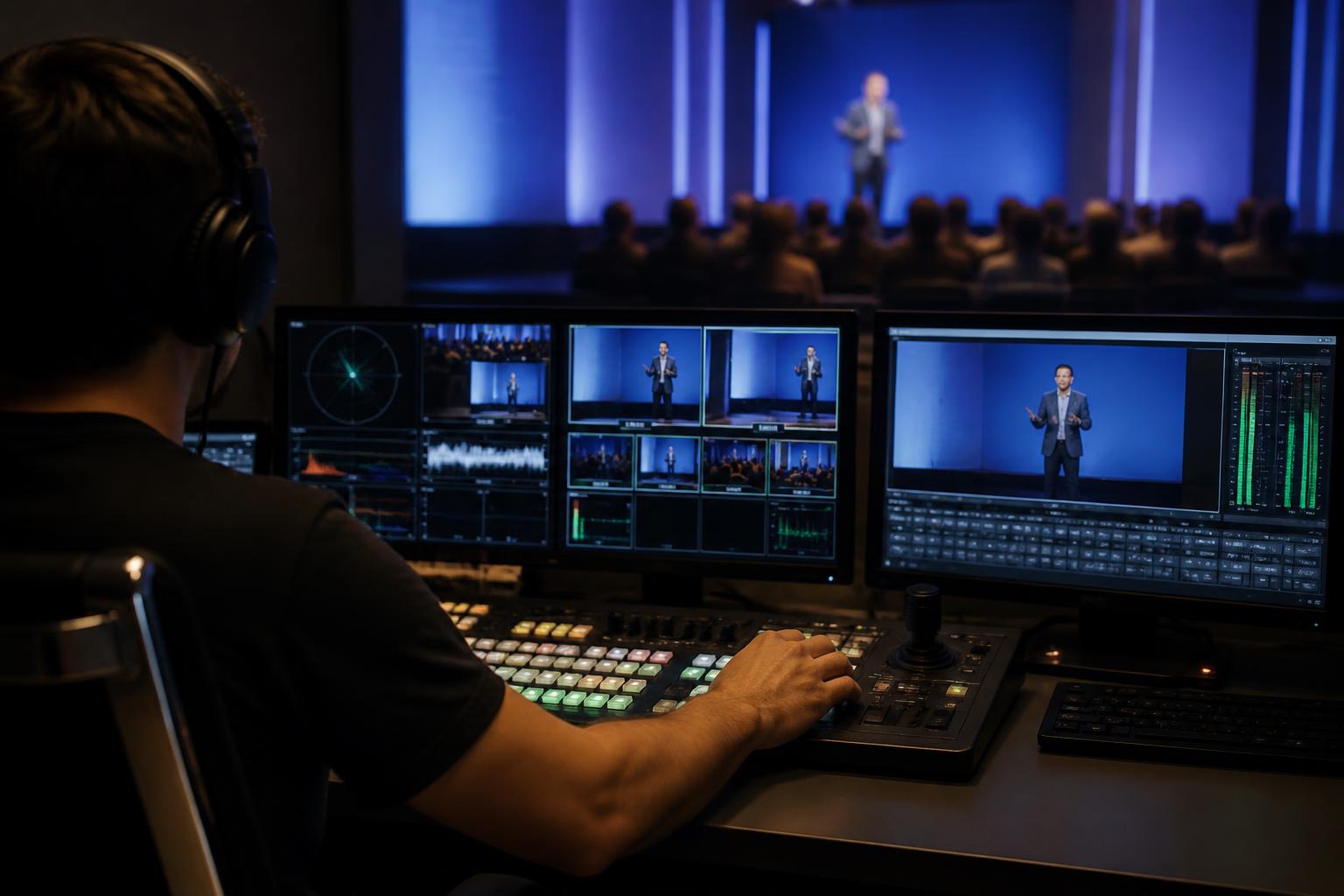
Video pre-processing is the quiet work that protects your audience experience. In live webcasts, most quality issues are blamed on broadband, Zoom, or the streaming platform. In reality, a large proportion of problems are introduced before the signal ever reaches the mixer. Video pre-processing is the set of checks and adjustments applied to incoming video… Continue reading Why video pre-processing matters in webcast quality
Tips for balancing live and on-demand content in webinars
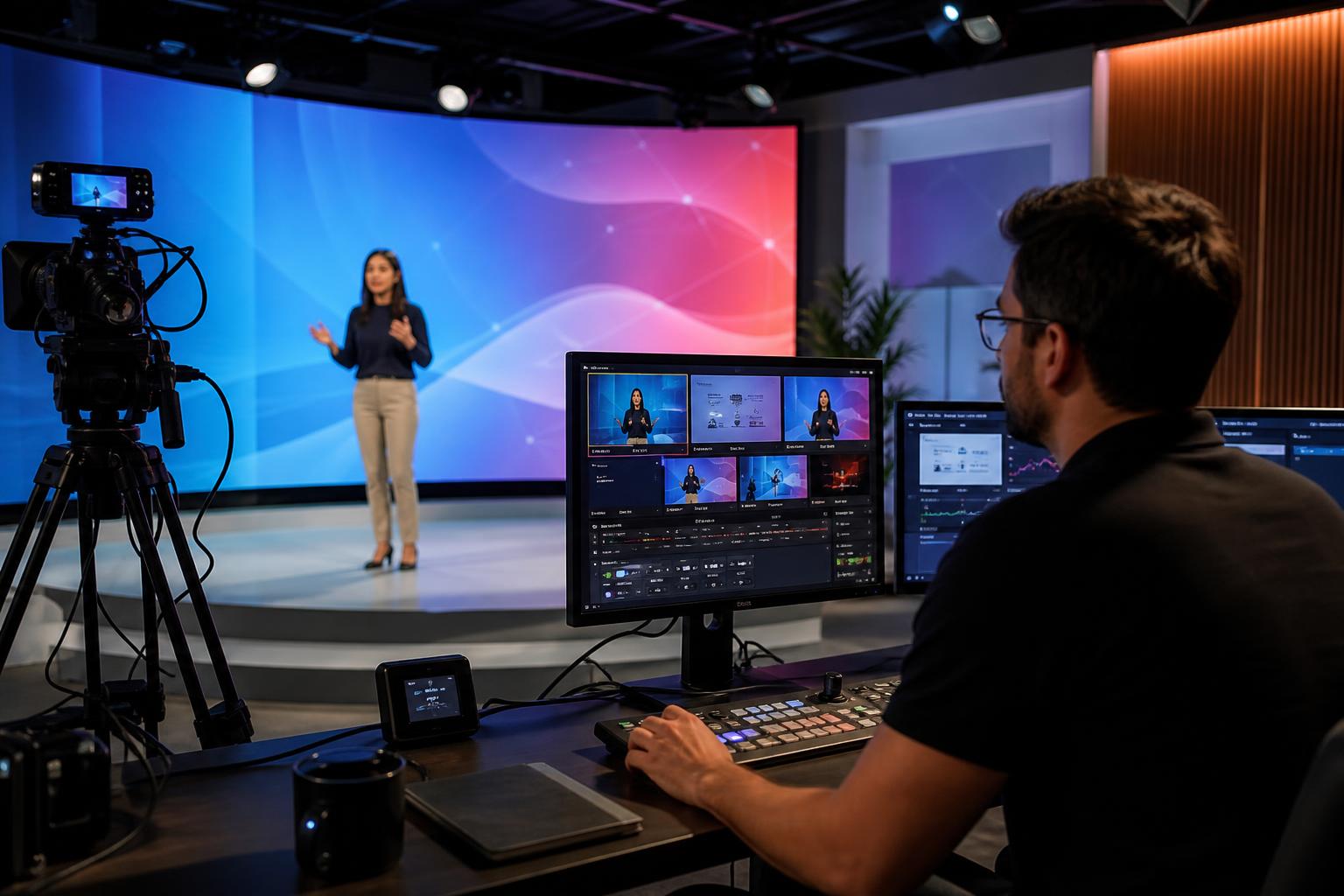
Start with the outcome, then decide what must be live The most effective webinar programmes treat “live” as a deliberate choice, not a default. Begin by defining the outcome you want for attendees (learning, decision-making, alignment, lead qualification, community building), then decide which moments genuinely benefit from being live: real-time Q&A, panel debate, product walkthroughs… Continue reading Tips for balancing live and on-demand content in webinars
How to choose the right time of day for live events
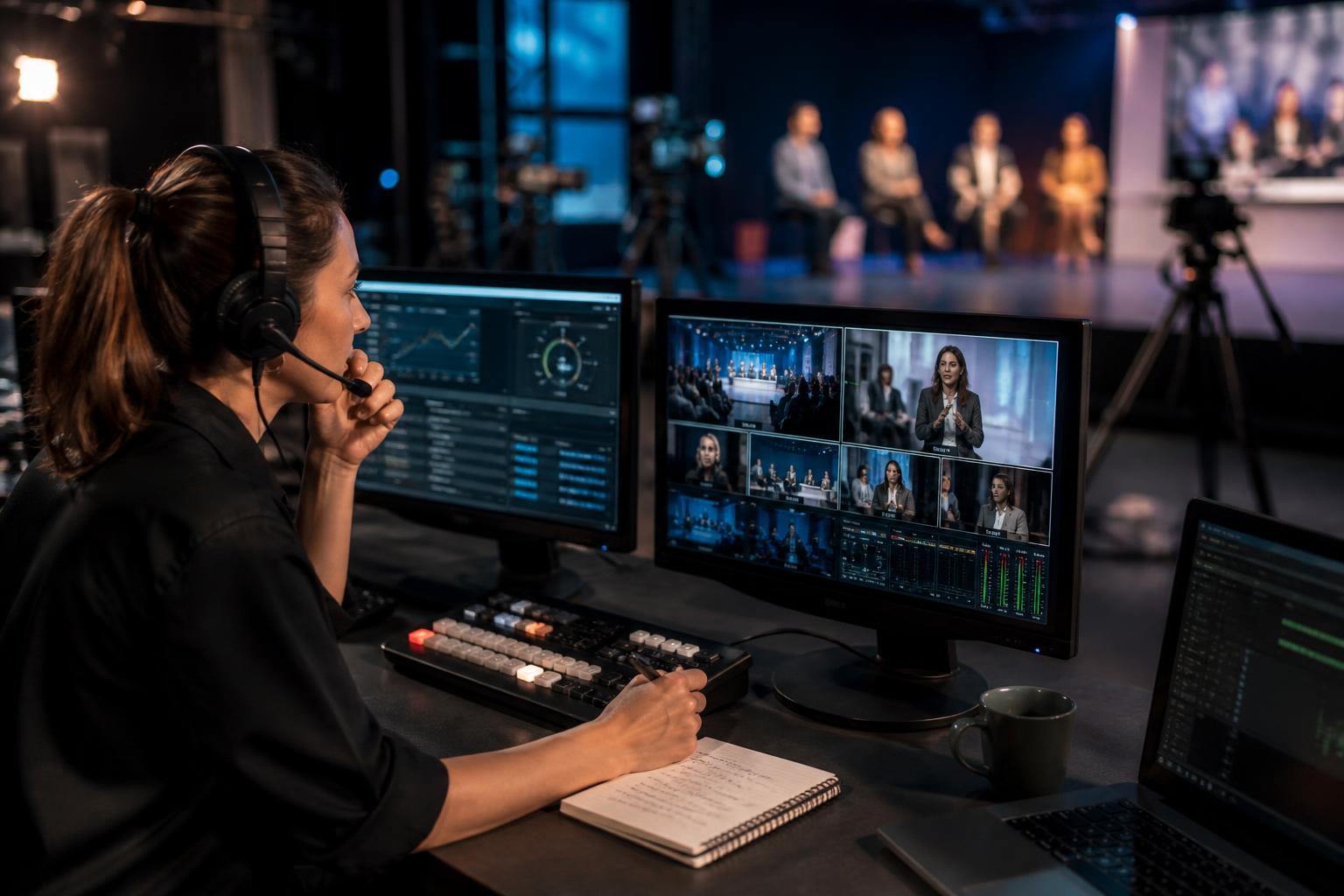
Start with your audience’s day, not your diary The “best” time to go live is rarely a universal answer. It depends on who you need to reach, what you need them to do, and how you want them to feel during the session. A time that suits internal stakeholders can be a poor fit for… Continue reading How to choose the right time of day for live events
What makes a successful webinar right now
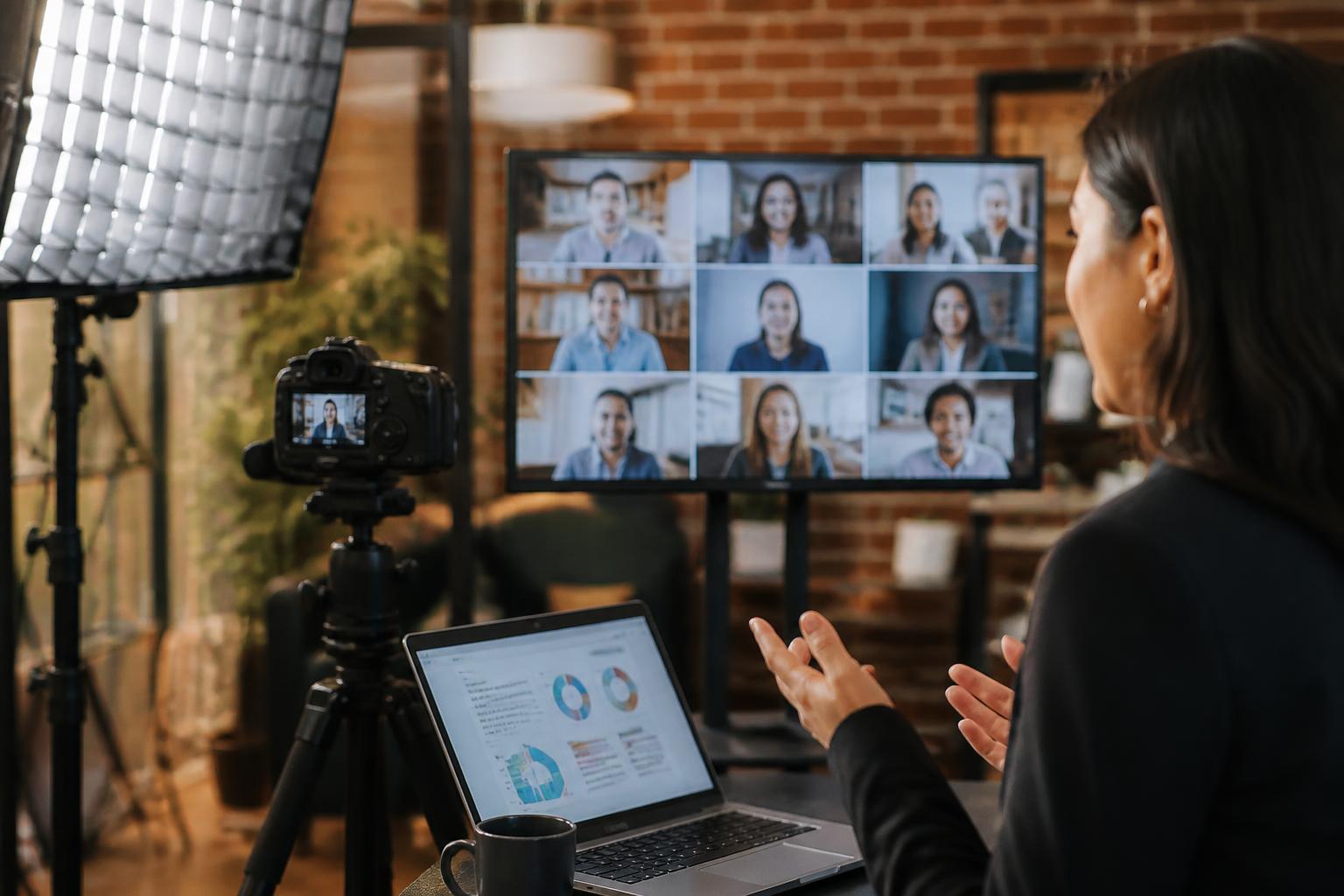
Success starts before anyone goes live A successful webinar right now is rarely won on the day. It is won in the planning: a clear purpose, a tight promise to the audience, and a format that respects attention spans. The best-performing webinars have a single, specific outcome, such as helping attendees make a decision, learn… Continue reading What makes a successful webinar right now
Why webcast rehearsals are critical for live events
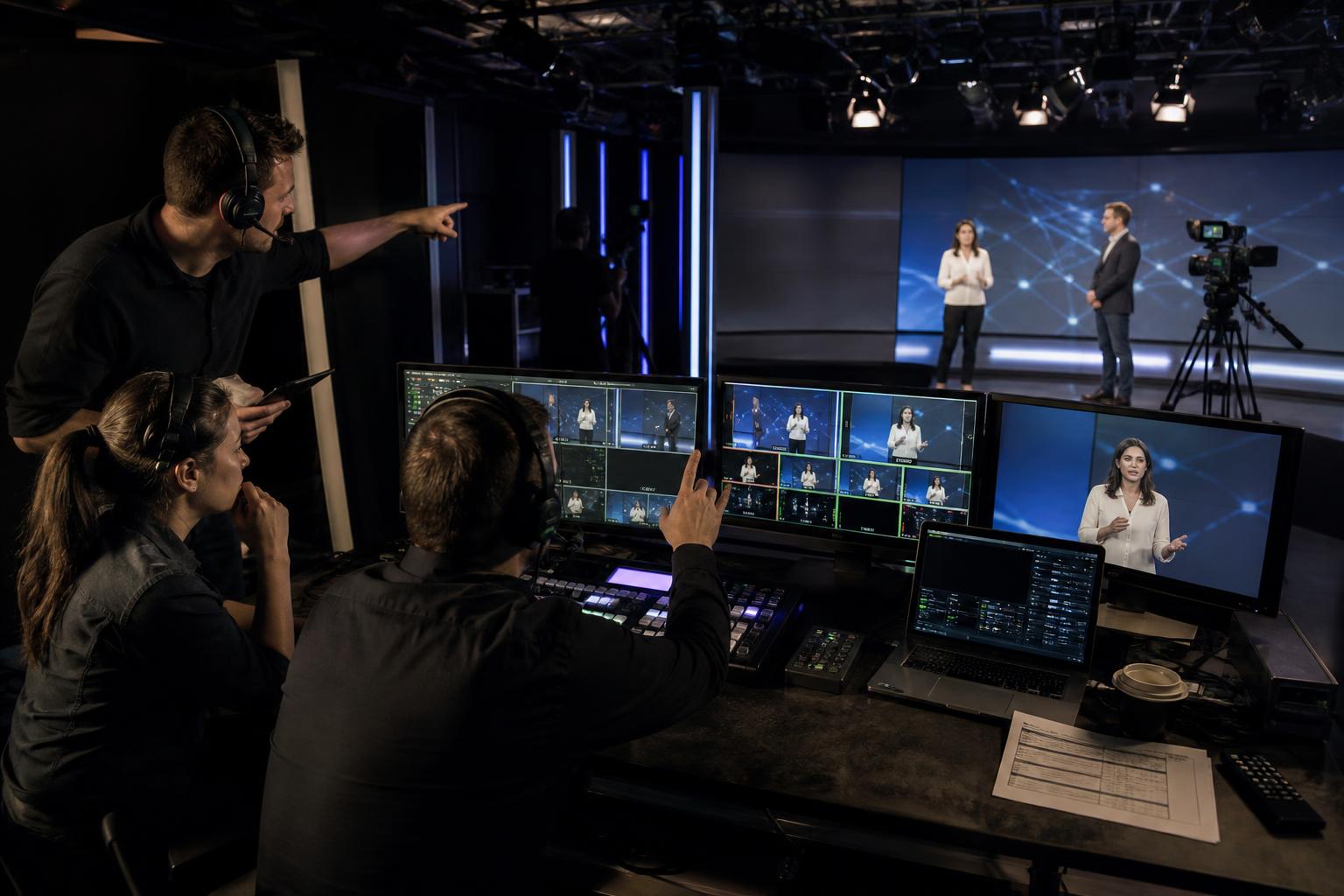
Webcast rehearsals are where live events become reliable. When an audience is watching in real time, there is no “we’ll fix it in post”. A structured rehearsal turns a collection of speakers, slides, videos, graphics, interactive moments, and streaming destinations into a single, predictable show. It reduces risk, improves confidence, and helps everyone deliver their… Continue reading Why webcast rehearsals are critical for live events
How to host a multi-language webinar effectively

Start with language strategy, not just translation A multi-language webinar works best when you design the experience around how attendees will listen, interact and ask questions in their preferred language. Before you choose tools or book interpreters, define what “multi-language” means for your session: will you offer live interpretation, separate language audio channels, live captions,… Continue reading How to host a multi-language webinar effectively
Why webcast analytics matter and how to use them
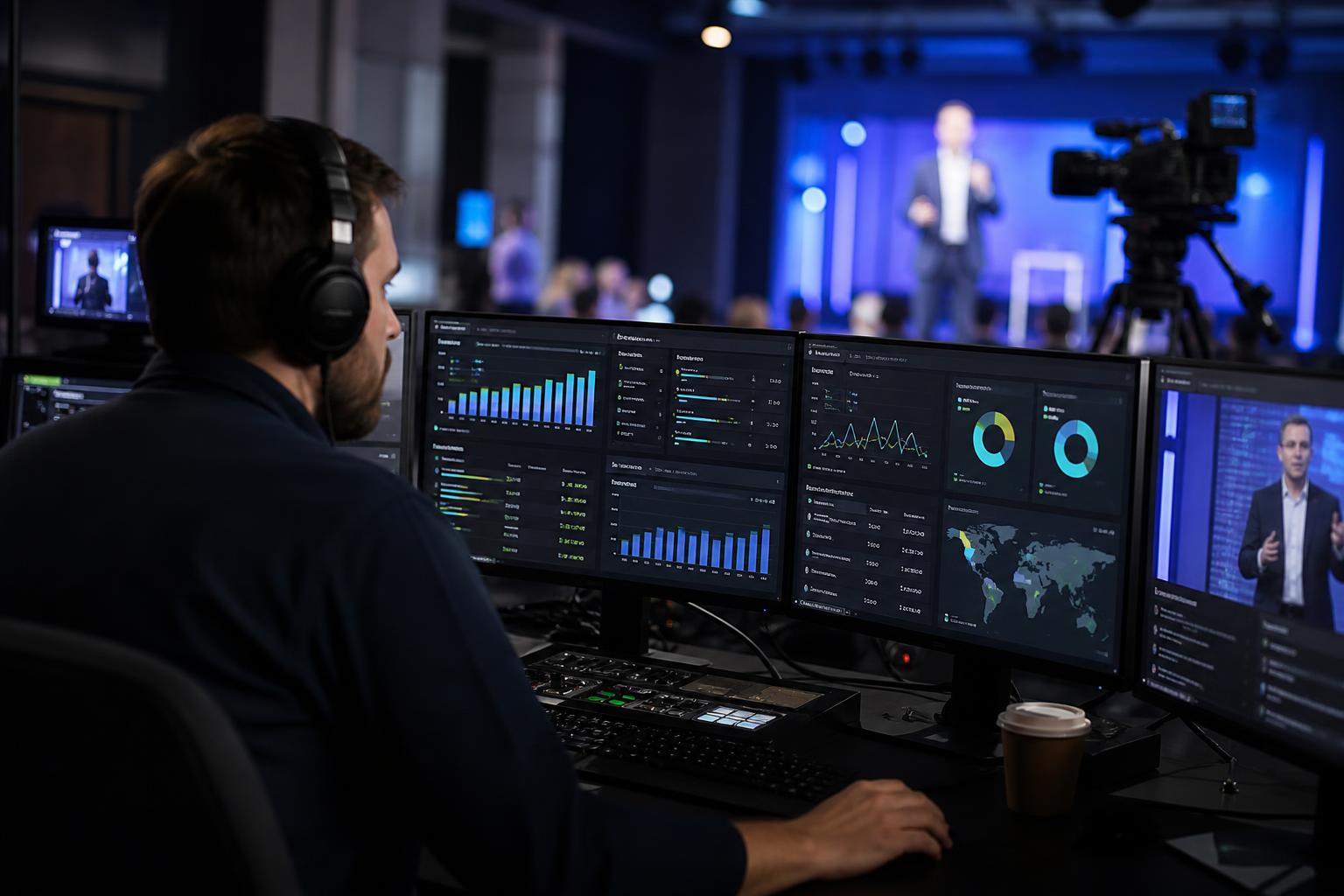
Webcast analytics turn “we went live” into “we know what worked”. A successful webcast is not only about production quality and smooth delivery; it is about reaching the right people, keeping them engaged, and driving meaningful outcomes. Analytics provide the evidence you need to improve future events, justify investment, and prove impact to stakeholders. What… Continue reading Why webcast analytics matter and how to use them
How remote webinar production is transforming business communication
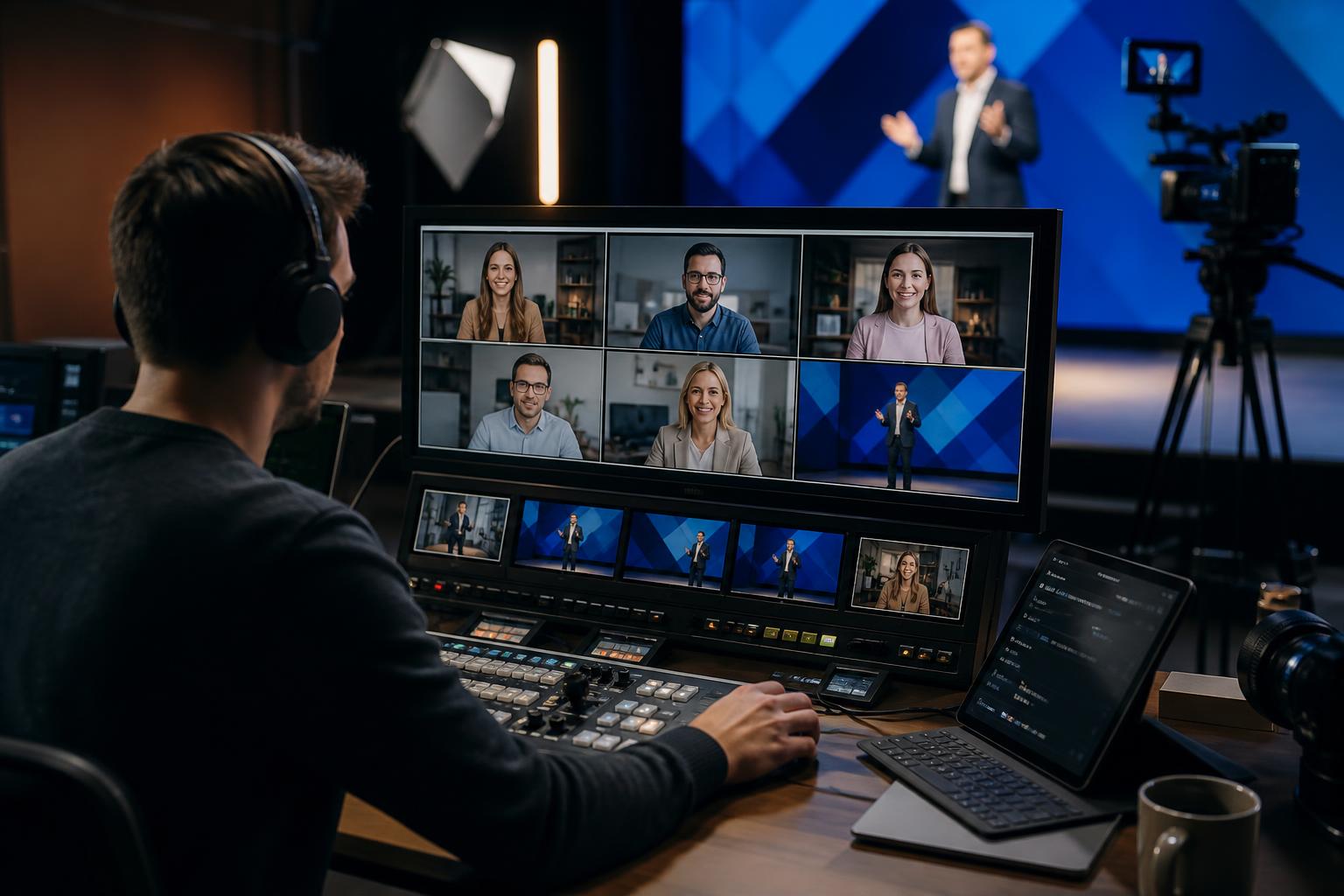
Remote webinar production has shifted from a “nice to have” to a core communications capability. As teams, customers and stakeholders have become more distributed, organisations are relying on live online events to share updates, launch products, train people and build trust at scale. What has changed most is not simply that webinars are happening more… Continue reading How remote webinar production is transforming business communication