
Start with the outcome, then decide what must be live
The most effective webinar programmes treat “live” as a deliberate choice, not a default. Begin by defining the outcome you want for attendees (learning, decision-making, alignment, lead qualification, community building), then decide which moments genuinely benefit from being live: real-time Q&A, panel debate, product walkthroughs with audience-led routes, or sensitive updates where tone and trust matter. Everything else can often be delivered more clearly on-demand, without time pressure.
Use on-demand content to reduce cognitive load
On-demand segments are ideal for information-dense material that people need to absorb at their own pace. Consider pre-recording: background context, definitions, methodology, compliance statements, case study narration, or technical setup steps. This frees the live session to focus on interpretation, discussion, and application. It also helps attendees who join late or have limited bandwidth, as they can catch up without derailing the live flow.
Design a clear “live spine” with purposeful insert points
Build a simple running order that keeps the live session moving, then insert pre-recorded elements where they strengthen clarity and pace. A practical approach is to create a live “spine” (welcome, scene-setting, discussion, Q&A, next steps) and drop in short on-demand modules (60–180 seconds) to introduce a topic, share a customer story, or show a polished demo. Keep insert points predictable so presenters and viewers understand what is happening and why.
Keep pre-records short, specific, and visually consistent
Pre-recorded content should feel like part of the same programme, not a separate video. Use consistent branding, lower-thirds, and slide styling, and match audio levels so transitions are smooth. Aim for one idea per clip, with a clear takeaway. If a segment runs longer than three minutes, consider splitting it into chapters so you can react live between them and maintain momentum.
Make the live moments interactive, not just “in real time”
Live value comes from participation. Plan interactions at the points where they change what happens next: polls that determine which scenario you explore, moderated Q&A that shapes the discussion, or chat prompts that surface audience priorities. Assign roles so nothing is missed: a host to maintain pace, speakers to respond, and a moderator to curate questions and flag themes. When interaction is purposeful, the audience feels listened to rather than simply present.
Use on-demand to extend the life of the webinar, not just replay it
A recording is useful, but a well-designed on-demand experience is better. After the live session, package content into a structured resource: chapters, key clips, a highlights reel, and downloadable assets. Add time-stamped links to key moments (for example, “pricing questions”, “implementation steps”, “case study results”) so viewers can find what they need quickly. This approach improves completion rates and makes the content easier to share internally.
Plan for different viewer journeys
Not everyone will attend live, and not everyone who attends live will watch the full replay. Build for three common journeys:
1) Live attendees: prioritise engagement, Q&A, and clear next steps.
2) On-demand viewers: prioritise structure, chapters, and concise context.
3) Stakeholders who only need highlights: prioritise a short summary and key clips.
Designing for these journeys ensures your effort translates into measurable value beyond the live hour.
Balance authenticity with production quality
Audiences appreciate the authenticity of live discussion, but they also expect clarity. Use pre-recorded content where precision matters (demos, animations, complex diagrams) and keep live segments for human moments (debate, nuance, leadership updates). A good balance feels polished without being sterile. Simple production choices like consistent lighting, clean audio, and well-timed captions can dramatically improve perceived quality.
Rehearse transitions, not just presentations
The most common point of friction is the handover between live speakers, slides, and pre-recorded video. Rehearse the transitions: who cues the clip, what the host says before and after, and how you handle a missed cue. Prepare “bridging lines” that summarise what viewers are about to see and what they should listen for. Smooth transitions maintain trust and keep attention high.
Build a contingency plan for live and on-demand elements
Live sessions can be affected by connectivity, last-minute speaker changes, or platform issues. Create backups: duplicate copies of pre-recorded files, a spare host, and an alternative way to take questions. If a speaker drops, have a pre-recorded segment ready to play while they reconnect. If a clip fails, have a slide summary that covers the same points. A calm, prepared response protects the experience.
Measure what matters and refine the mix
Use data to improve your balance over time. Track live attendance versus registrations, drop-off points, poll participation, Q&A volume, and on-demand completion. Pay attention to where viewers rewatch or skip. These signals help you decide what should move into pre-recorded modules, what needs more live explanation, and where to add interaction. The right blend is rarely achieved in one attempt; it is refined through iteration.
Make the next step effortless
Whether your goal is education, community, or pipeline, the end of the webinar should guide viewers to a clear next action: a follow-up session, a resource hub, a consultation, or a tailored demo. For on-demand viewers, include the same next step in the video description and supporting emails, so the experience remains coherent regardless of when they watch.
If you want your webinars to feel live, look polished, and perform long after the event, we can help
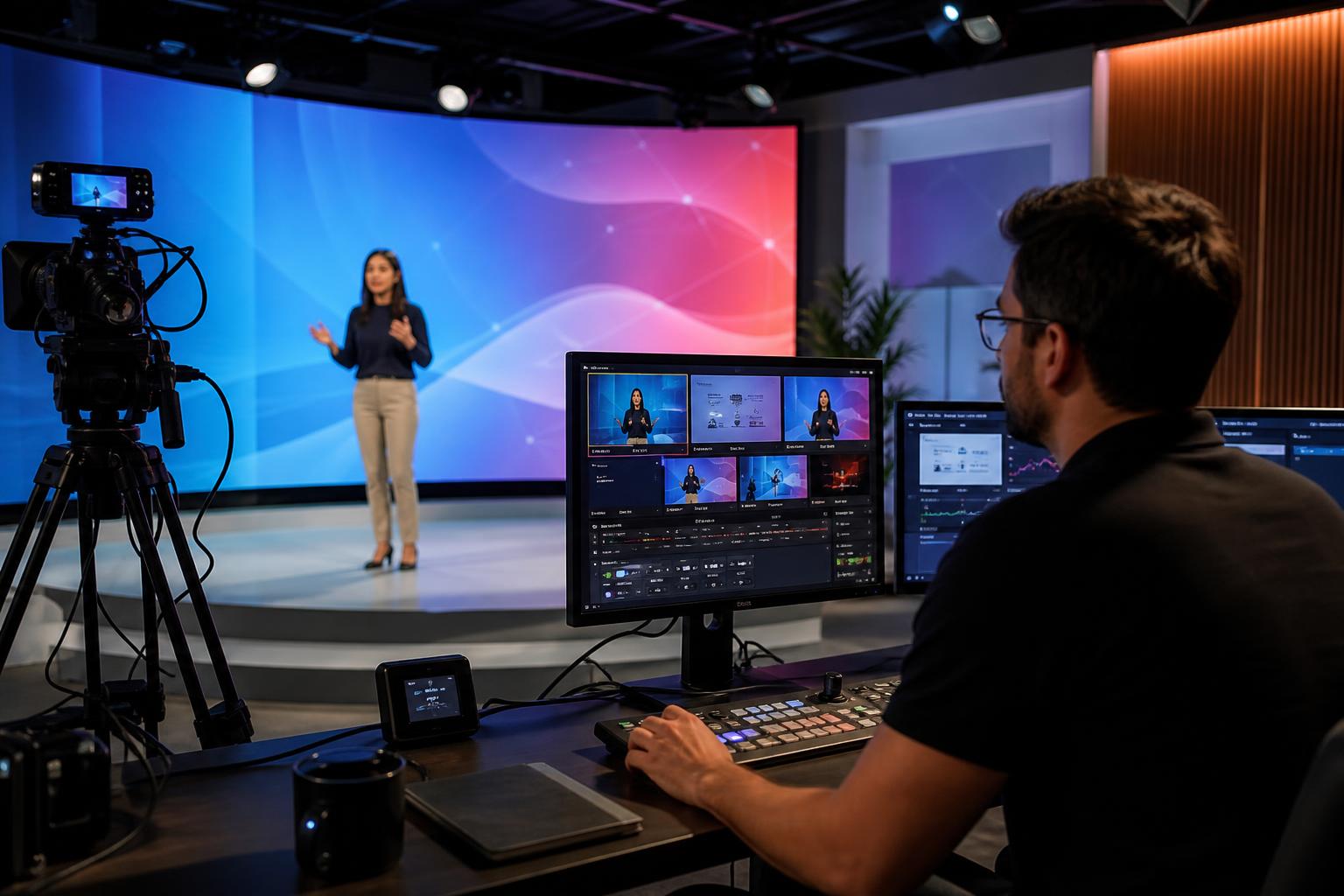
Enbecom Studios produces live remote webinars and webcasts that bring in live Zoom feeds and mix them with titles, captions, slides, pre-recorded videos, and interactivity, then stream live to multiple platforms. If you want support designing the right balance of live and on-demand content, and delivering it smoothly on the day, find out more about our live remote webcasting and video services at https://enbecom.tv.