
Successful webinars in 2026 are designed for attention, not attendance. The best-performing sessions are built around a clear outcome for the viewer: a decision they can make, a skill they can apply, or a perspective they can use immediately. With calendars full and patience short, “interesting topic” is no longer enough. Your audience needs a reason to stay, and a structure that rewards them for doing so.
Start with a single, audience-first promise. Before you write an agenda or invite speakers, define one sentence that answers: “By the end of this webinar, you will be able to…” Keep it specific and practical. This promise should inform your title, your promotion, your run of show, and your follow-up. When teams try to cover everything, they often end up delivering nothing memorable.
Make the first five minutes count. Successful webinars now open with momentum: a strong framing statement, what’s in it for the audience, and a quick roadmap. Avoid long sponsor reads, lengthy housekeeping, or a slow roll into the content. If you need to share logistics, keep it tight and visual. Viewers decide quickly whether to stay, and the opening sets the tone for perceived quality.
Design for participation, not passive watching. Interactivity works best when it is purposeful and timed. Use a poll to segment the audience early, then tailor examples to the results. Use the chat to gather questions, but also to prompt short responses (“Type one word that describes your biggest challenge”). Use Q&A moments as transitions between sections, not a rushed add-on at the end. The goal is to create a sense of shared experience, even when everyone is remote.
Keep the content modular and visually led. Right now, audiences respond well to short segments with clear signposting: “Here’s the problem”, “Here are three options”, “Here’s what we recommend”, “Here’s an example”, “Here’s what to do next”. Use titles, lower-thirds, and on-screen prompts to help people re-orient if they’ve been distracted. Slides should support the spoken message, not compete with it. If a slide needs more than a few seconds to read, it’s usually doing too much.
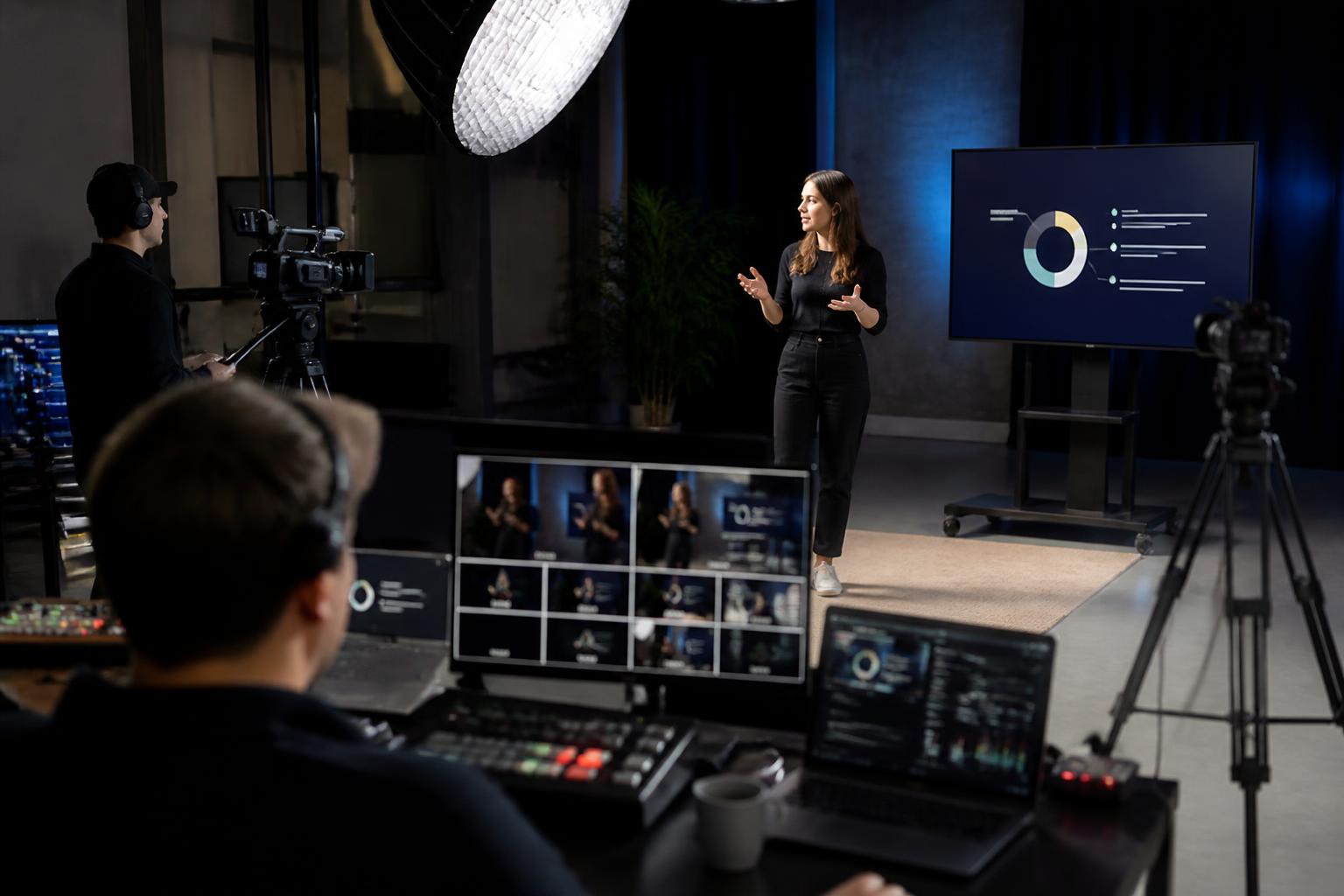
Prioritise production quality because it signals credibility. In a world of constant video calls, viewers can instantly tell the difference between a meeting and a broadcast. Clear audio, consistent lighting, stable connections, and a clean visual layout are no longer “nice to have”; they affect trust, retention, and conversion. Small details matter: matching speaker name captions, correctly framed cameras, legible slides, and seamless transitions between presenters and media.
Use live mixing to maintain pace and professionalism. The most engaging webinars feel like a live programme: speakers appear with branded titles, key points are reinforced on-screen, and pre-recorded clips are introduced and played without awkward screen-share delays. Live switching between Zoom feeds, slides, videos, and graphics keeps energy up and reduces the cognitive load on presenters, allowing them to focus on delivery rather than buttons and troubleshooting.
Choose speakers for clarity and chemistry, not job titles. Audiences stay for confident communication. A strong host is often the difference between a good webinar and a great one: someone who can guide the narrative, manage time, bring in questions, and keep the tone human. Panel sessions work best when each panellist has a defined role and a distinct viewpoint, with prompts that encourage real discussion rather than sequential mini-presentations.
Rehearse the run of show, not just the slides. A quick tech check is helpful, but a structured rehearsal is what prevents awkward handovers, overrun sections, and missed cues. Rehearse timing, speaker order, how questions will be handled, when polls will run, and exactly how you will transition into any video or demo. A simple cue sheet shared with all contributors can dramatically reduce stress on the day.
Build accessibility and inclusivity into the plan. Captions, clear audio, and readable on-screen text make webinars better for everyone. Keep jargon in check, explain acronyms, and ensure your visuals have sufficient contrast. If you have an international audience, consider time zones and provide an on-demand option quickly after the live event, with chapters or timestamps so people can find what they need.
Make follow-up part of the experience, not an afterthought. Successful webinars extend beyond the live hour. Send a concise follow-up that includes the recording, key takeaways, relevant links, and answers to unanswered questions. Repurpose the content into short clips, a highlights reel, a blog summary, or a downloadable checklist. This improves ROI and reaches people who couldn’t attend live.
Measure what matters and iterate. Attendance numbers alone can be misleading. Track retention over time (where people drop off), engagement (poll responses, chat activity, Q&A volume), and outcomes (downloads, demo requests, sign-ups, or internal adoption). Use these insights to refine your format: shorter sessions, stronger openings, different segment lengths, or more direct audience interaction.
Ultimately, a successful webinar right now feels effortless to the viewer. Behind the scenes, it’s carefully planned, tightly produced, and designed to keep attention through variety, clarity, and participation. If you want your next webinar to look and feel like a broadcast—bringing in live Zoom feeds, mixing in titles, captions, slides, pre-recorded videos, and interactivity, then streaming live to multiple platforms—explore what’s possible with Enbecom Studios’ live remote webcasting and video services at https://enbecom.tv.