
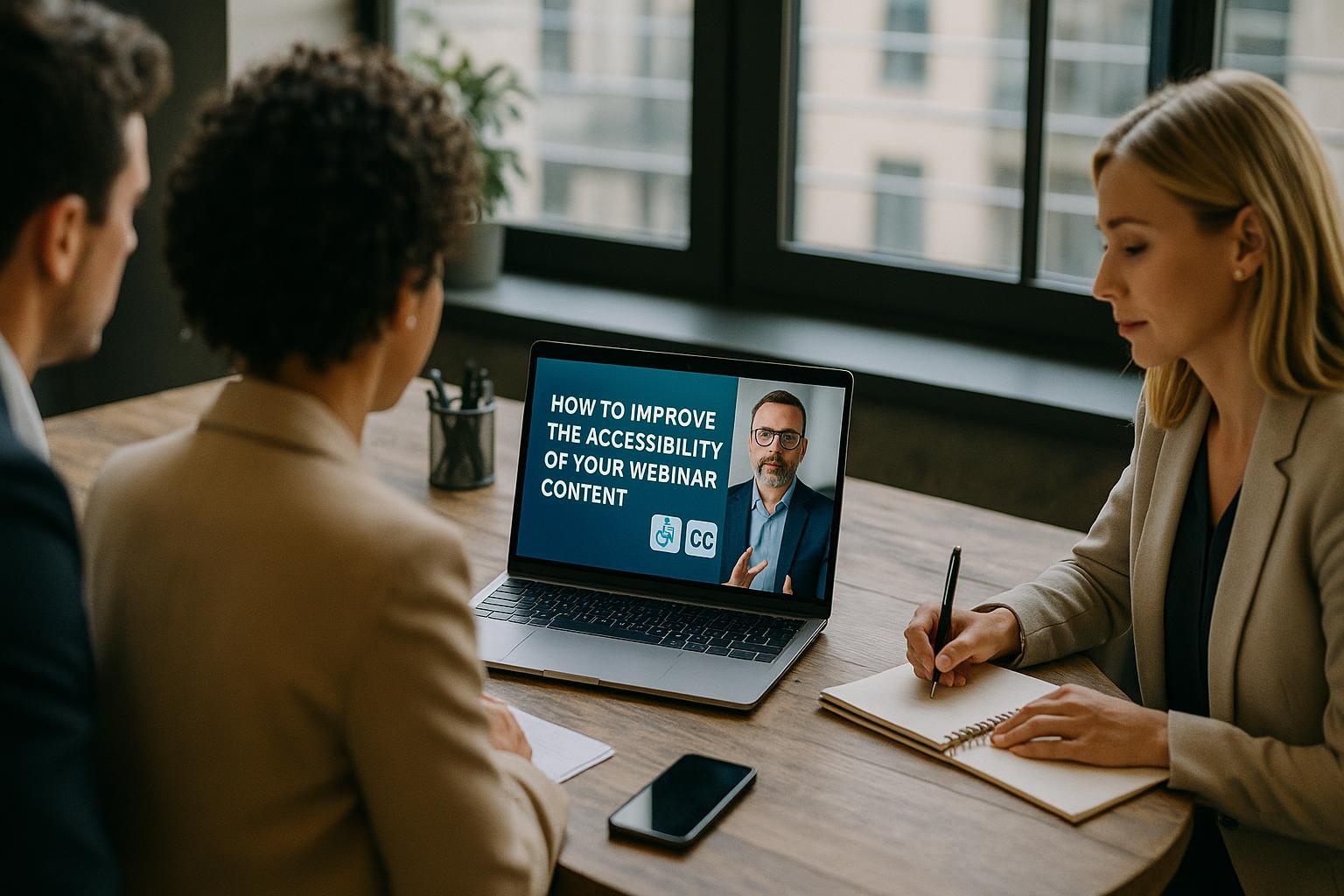
Accessibility is not an add-on; it is part of good webinar craft. When your content is easier to see, hear, understand and navigate, you reduce drop-off, improve engagement, and make your message more inclusive for disabled people, neurodivergent audiences, non-native speakers, and anyone joining from a noisy environment or on a small screen. Start with… Continue reading How to improve the accessibility of your webinar content
Category: Masterclass
Archives from the Enbecom Studios Blog
Category: Masterclass
Why video pre-processing matters in webcast quality
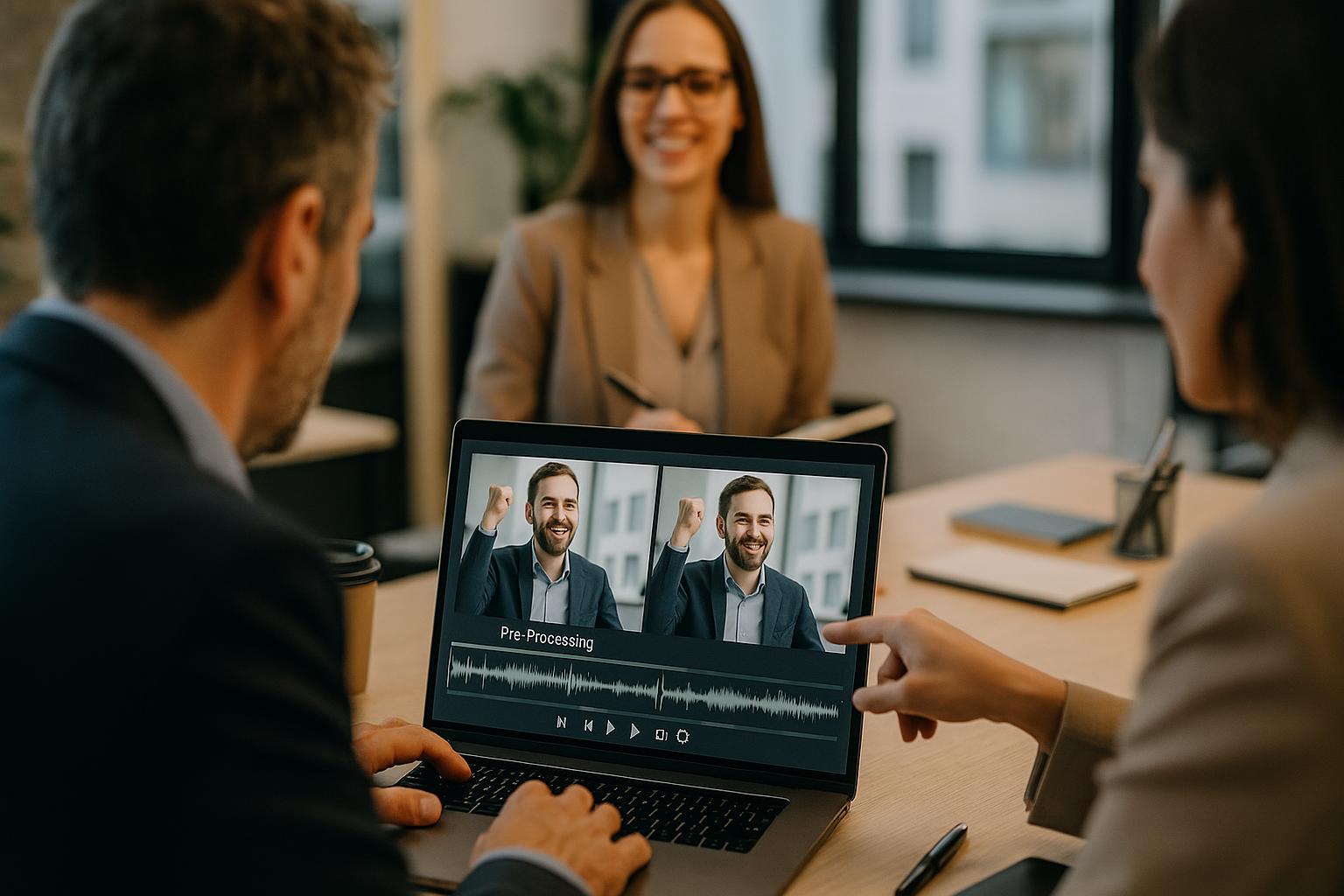
Video pre-processing is the quiet work that makes everything else look effortless. In live webcasts, audiences rarely forgive poor pictures. They might tolerate the occasional audio wobble if the content is strong, but blocky footage, blown-out highlights, harsh colour casts, or a presenter who looks like a silhouette will quickly undermine credibility. Pre-processing is the… Continue reading Why video pre-processing matters in webcast quality
Why webcast rehearsals are critical for live events
Rehearsals are where live webcasts become reliable. When you are mixing multiple Zoom contributors, slides, pre-recorded video, live captions, lower thirds, audience interactivity and a simultaneous stream to several platforms, the production is only as strong as the preparation behind it. A webcast rehearsal is not a box-ticking exercise; it is the moment you turn… Continue reading Why webcast rehearsals are critical for live events
How to test your webinar under real-world conditions
Plan the test around what “real-world” actually means for your audience A useful webinar test is more than a quick soundcheck. Start by defining the conditions your attendees will experience: typical devices (laptops, mobiles, tablets), likely networks (home Wi‑Fi, office Wi‑Fi, 4G/5G), and the platforms they will use to watch (Zoom, browser-based viewing, LinkedIn Live,… Continue reading How to test your webinar under real-world conditions
What does the term “lower thirds” actually mean?
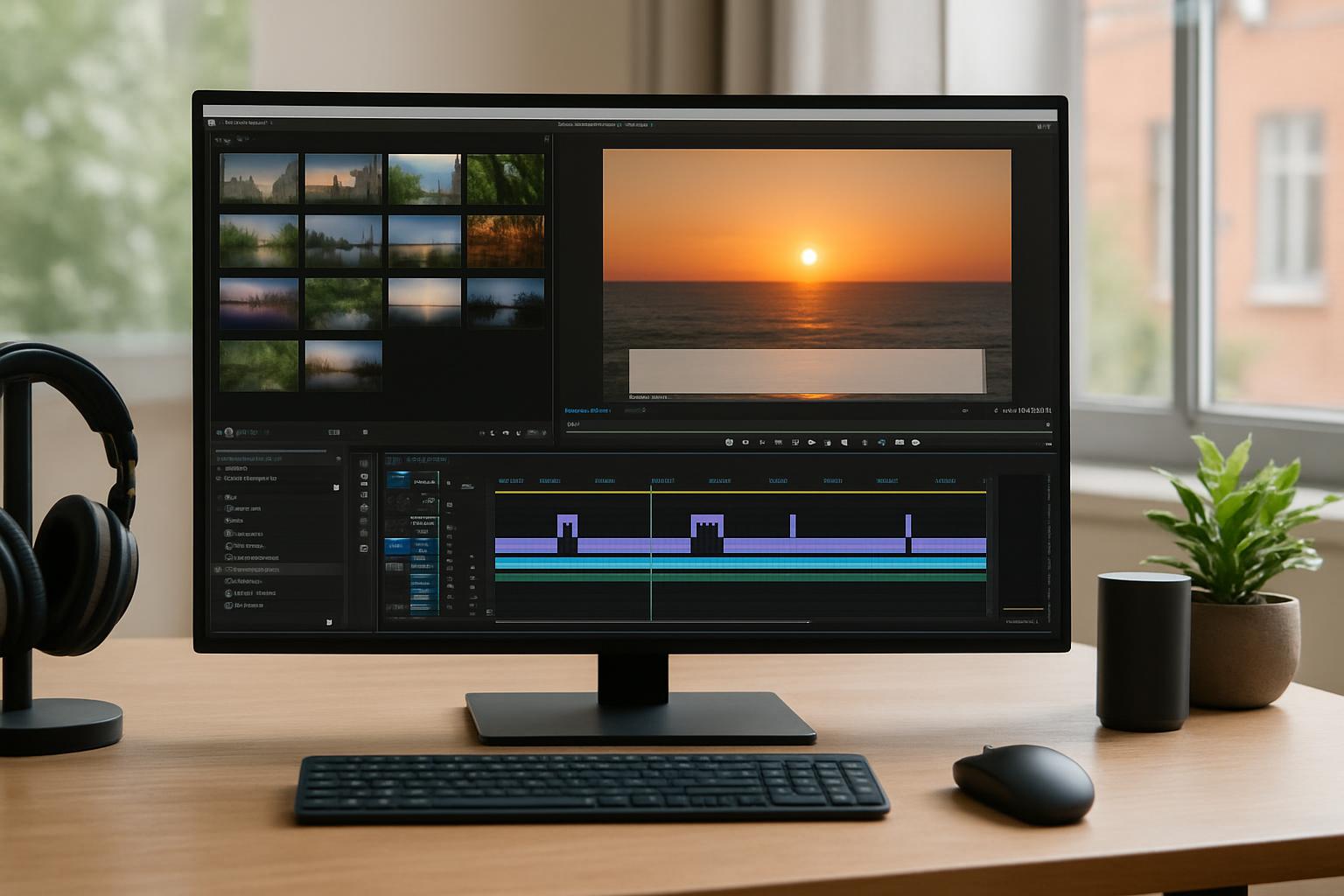
Lower thirds is a broadcast term for the on-screen graphics that appear in the lower portion of the frame during a TV programme, webinar or webcast. They are part of a wider set of graphic overlays used to add context and clarity without interrupting the main content. Why they are called lower thirds comes down… Continue reading What does the term “lower thirds” actually mean?
Tips for balancing live and on-demand content in webinars
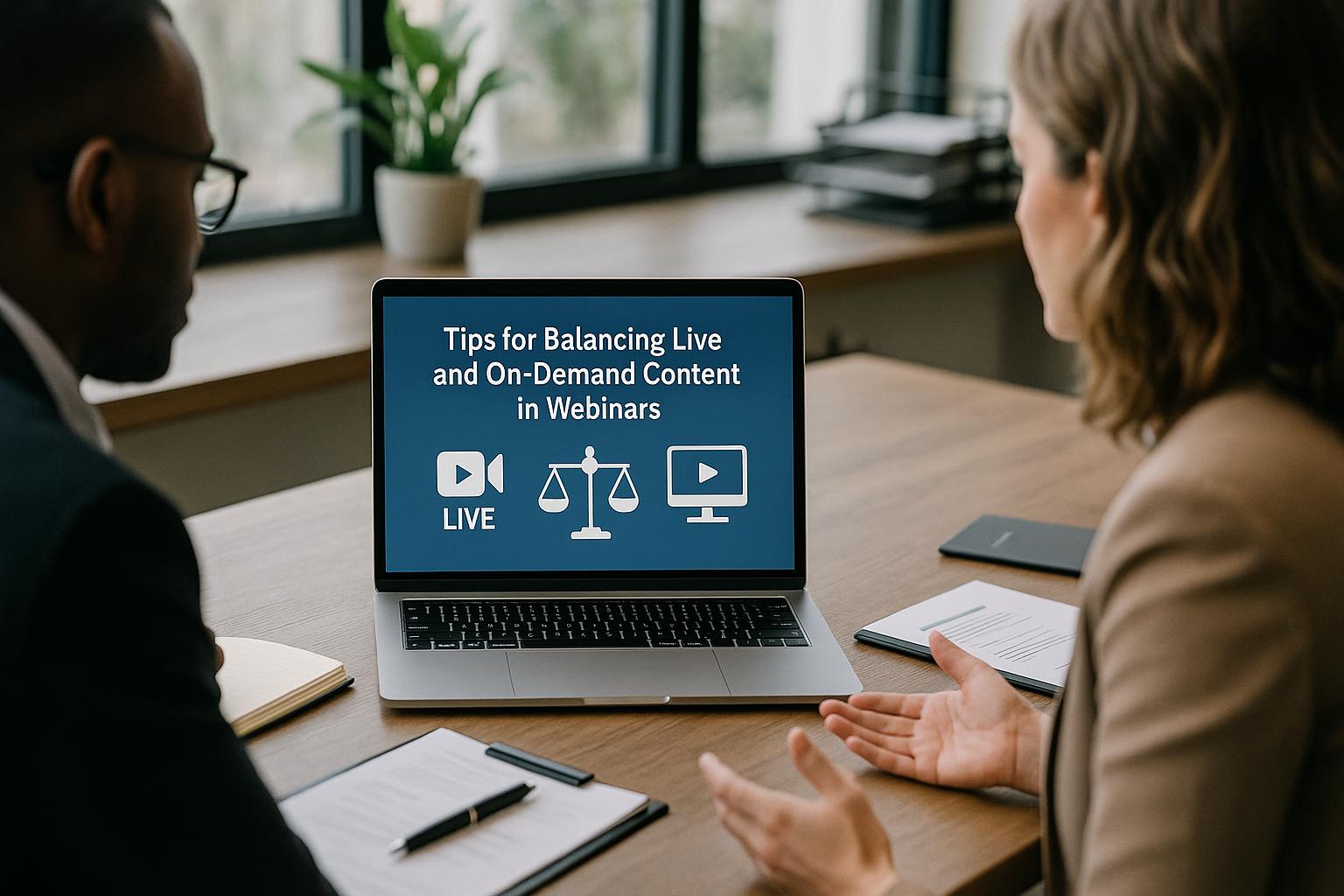
Start with the outcome, then choose the right mix Balancing live and on-demand content starts with clarity on what your audience needs to do after the webinar. If the goal is understanding, on-demand segments such as short explainers and demos can carry much of the load. If the goal is alignment, commitment, or decision-making, you… Continue reading Tips for balancing live and on-demand content in webinars
What makes a secure webinar link
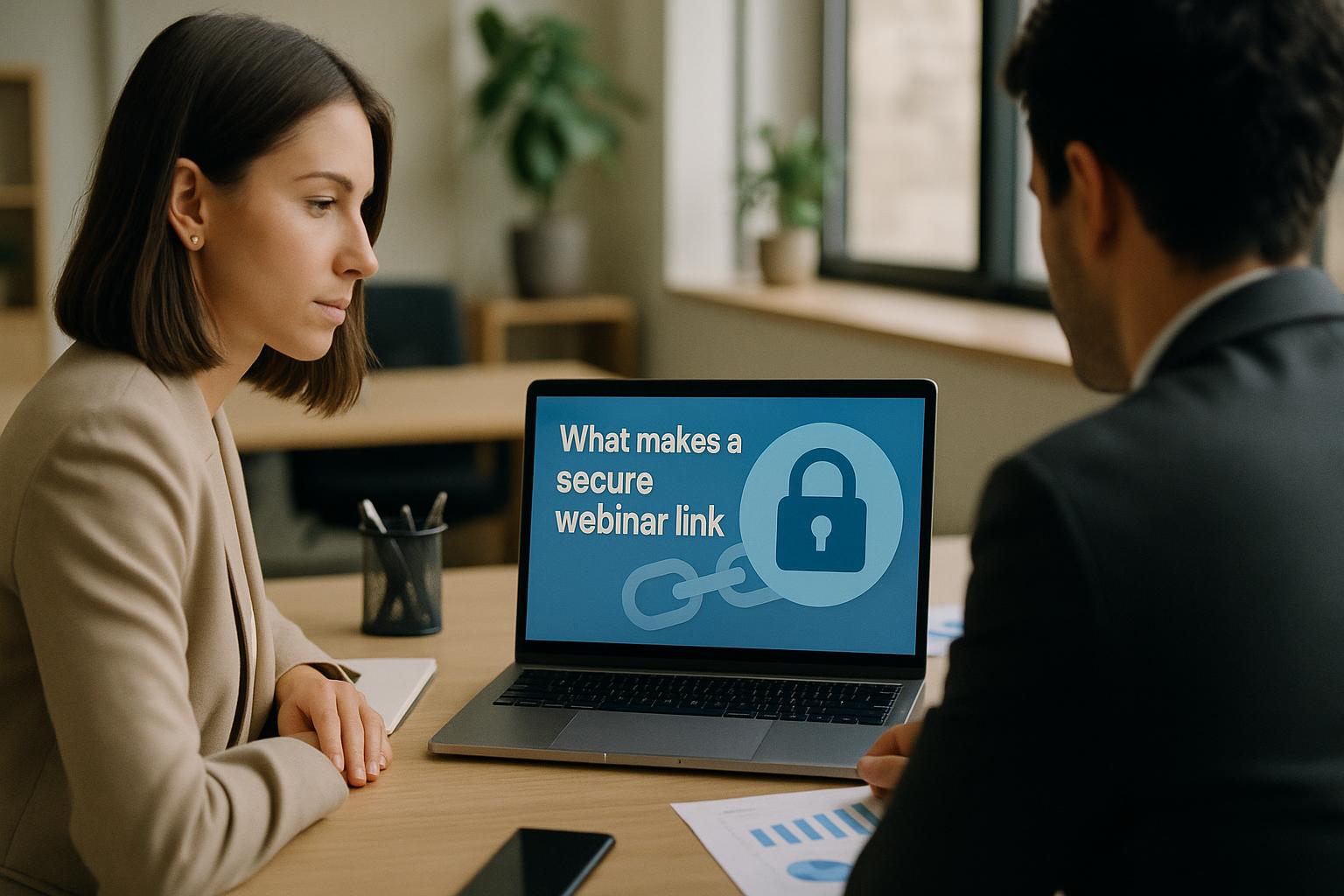
A secure webinar link is more than a URL A webinar link is the front door to your event. If it is easy to guess, easy to share, or poorly controlled, you risk uninvited attendees, disruption, data exposure, and a loss of trust. A secure webinar link is one that only the right people can… Continue reading What makes a secure webinar link
Why working with an experienced webinar team pays off

When the audience only sees the final stream, it is easy to underestimate how much is happening behind the scenes. A polished webinar is the result of dozens of small decisions made quickly and correctly: how speakers are briefed, how audio is managed, how slides are routed, how video is cut in, how questions are… Continue reading Why working with an experienced webinar team pays off
The difference between professional and DIY webcasts
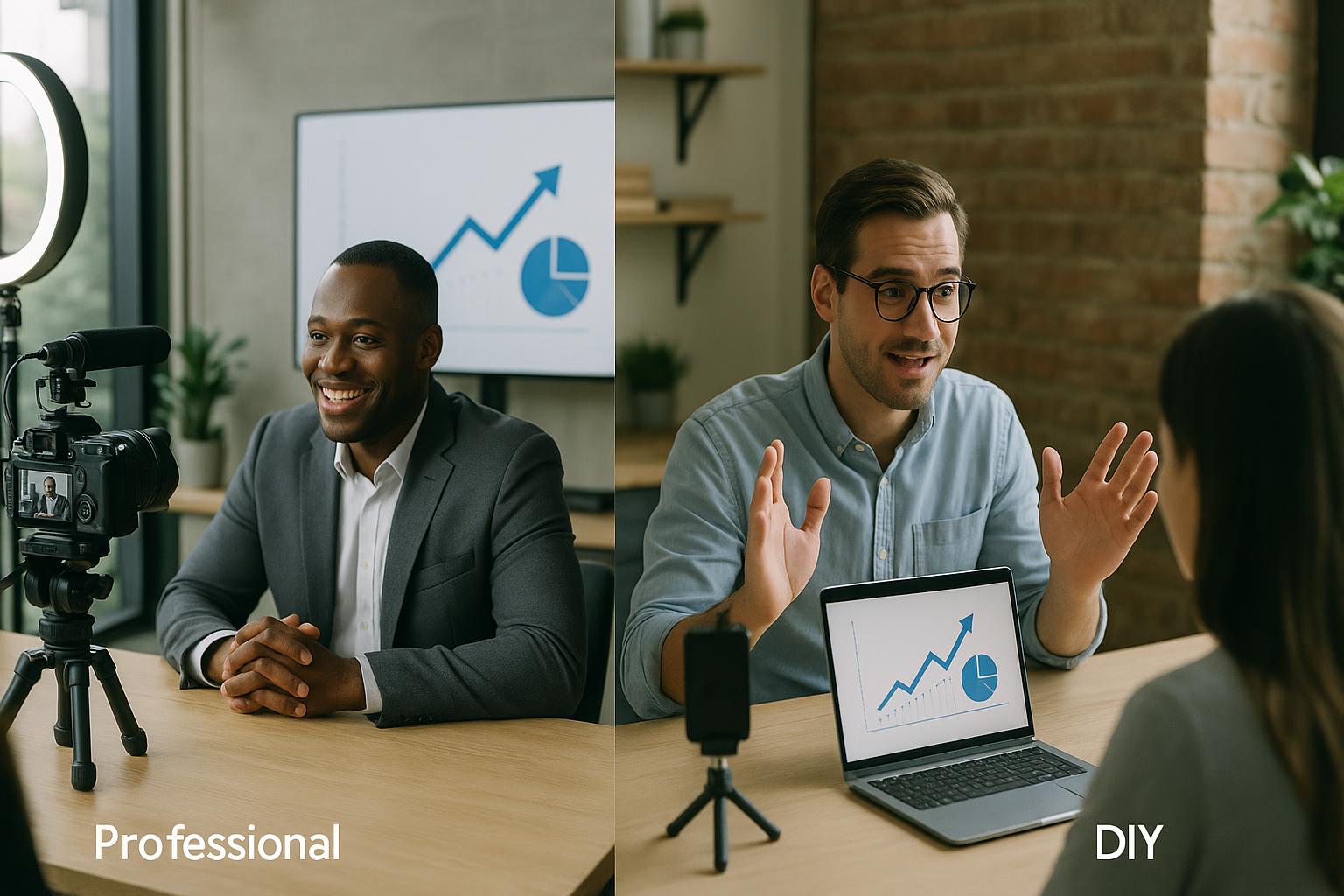
DIY webcasts can work well when the stakes are low, the audience is small, and expectations are modest. A quick internal update, a team briefing, or a simple Q&A can often be delivered successfully with a laptop, a decent microphone, and a stable connection. The challenge is that many organisations only discover the limits of… Continue reading The difference between professional and DIY webcasts
How to use webinars to generate quality leads
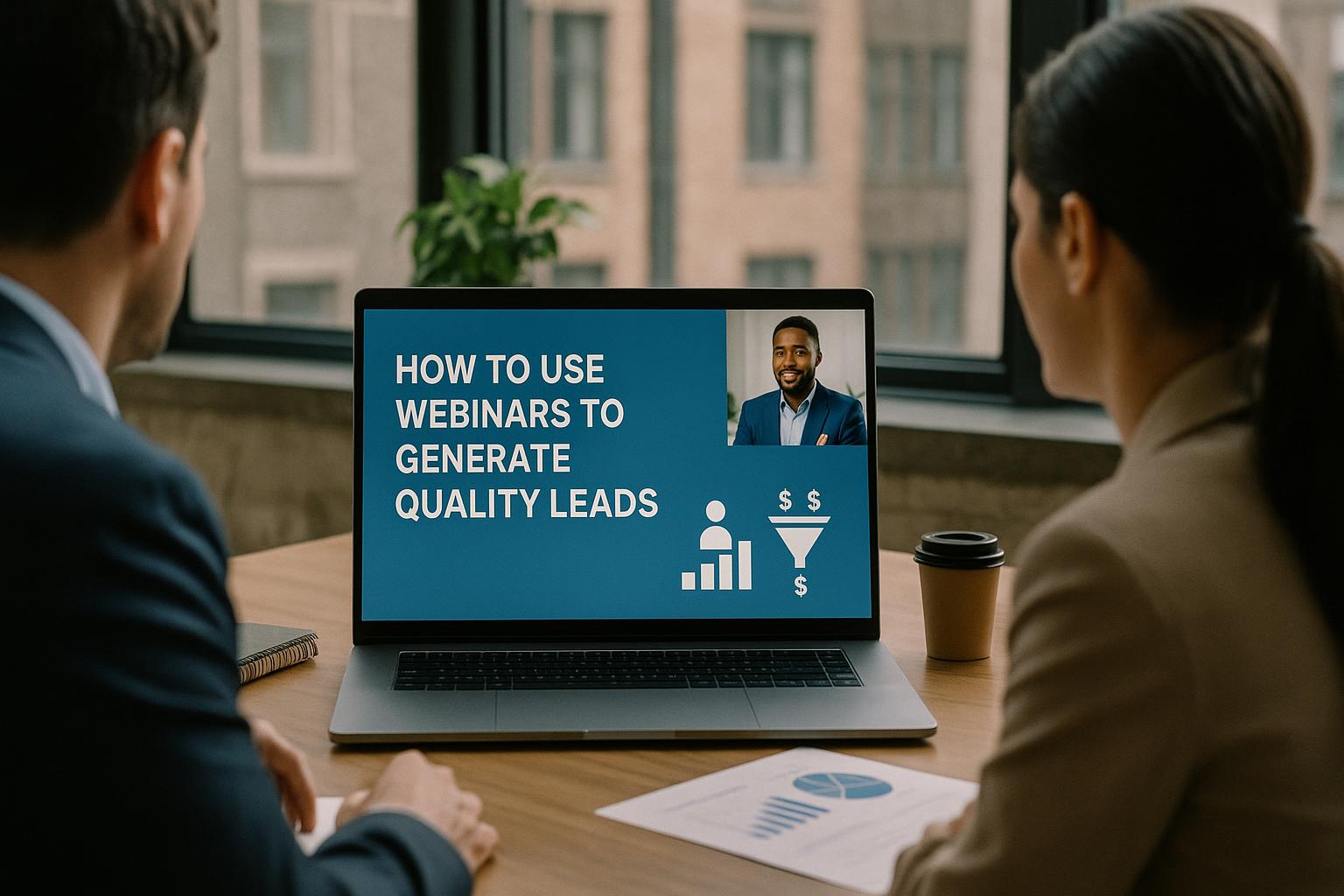
Start with a lead quality definition, not a vanity metric Webinars can attract large audiences, but lead generation only works when you define what “quality” means for your business. Agree the signals that matter: job role and seniority, industry fit, buying timeframe, budget ownership, current tools, and the specific challenge they want to solve. Set… Continue reading How to use webinars to generate quality leads