
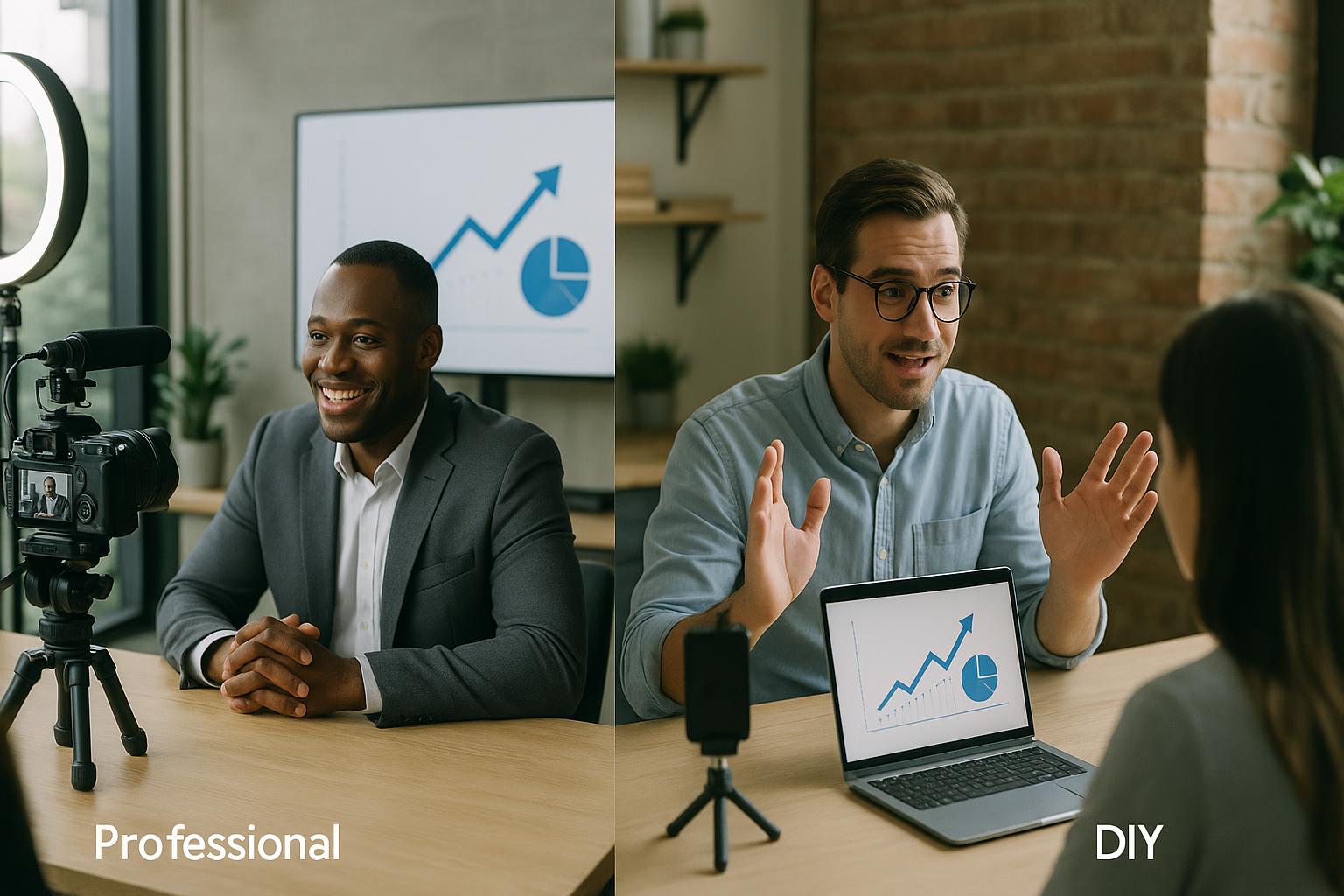
DIY webcasts can work well when the stakes are low, the audience is small, and expectations are modest. A quick internal update, a team briefing, or a simple Q&A can often be delivered successfully with a laptop, a decent microphone, and a stable connection. The challenge is that many organisations only discover the limits of DIY when the webcast starts to matter: senior stakeholders are watching, registrations are high, sponsors are involved, or the content needs to live on as a polished asset.
A professional webcast is not just “better kit”. It is a different approach to planning, production, resilience, and audience experience. The difference shows up in the moments that count: when a presenter’s audio drops, when a slide deck changes at the last minute, when a guest joins from a hotel network, or when you need to keep the programme moving smoothly while managing questions, captions, and video playback.
Production value vs production control
DIY webcasts often rely on one person doing everything: hosting, presenting, screen sharing, monitoring chat, and troubleshooting. That can be fine until something unexpected happens. Professional webcasting introduces production control: a dedicated producer or team managing the running order, switching between sources, cueing contributors, and ensuring the right content appears at the right time. This is what turns a collection of Zoom tiles into a coherent live programme.
Consistency of audio and video
In DIY setups, audio quality is usually the first casualty. Built-in laptop microphones, inconsistent room acoustics, and varying contributor setups can make the experience tiring for viewers. Professional webcasts prioritise sound: contributor guidance, mic recommendations, level management, and active monitoring throughout. On the video side, professional production also improves consistency through framing guidance, lighting tips, and controlled layouts, so the audience is not distracted by constant visual changes.
Graphics, titles, and on-screen clarity
A DIY webcast may include screen-shared slides and a basic name label, but it often struggles to present information clearly and consistently. Professional webcasts use clean titles, captions, lower-thirds, and structured layouts that make it easier to follow who is speaking and what is being discussed. This is especially valuable for panel sessions, multi-speaker conferences, and events where accessibility and clarity are priorities.
Handling multiple sources smoothly
Modern webcasts rarely involve just one speaker and a slide deck. They include pre-recorded videos, live demos, remote guests, screen shares, and on-the-fly content changes. In DIY, switching between these elements can be clumsy, with awkward pauses, accidental notifications, or the wrong window being shared. Professional production mixes these sources seamlessly, so transitions feel intentional and the programme maintains momentum.
Interactivity that feels managed, not chaotic
Audience interaction is one of the biggest advantages of live webcasting, but it needs structure. DIY events can quickly become hard to manage when questions flood in, polls need launching, or chat requires moderation. Professional webcasts typically include a clear interactivity plan: how questions are gathered, how they are surfaced to presenters, how polls are timed, and how moderation is handled. The result is a more engaging experience for viewers and a less stressful experience for speakers.
Reliability and contingency planning
DIY usually assumes everything will work. Professional webcasting assumes something might not. That mindset changes everything: backup contributors, alternative audio routes, redundant recordings, pre-event checks, and a plan for what happens if a key speaker drops out. Even simple measures, such as having a producer who can take control of the session while the presenter continues speaking, can prevent a minor issue becoming a visible disruption.
Rehearsals and speaker support
DIY often means “we’ll test it five minutes before we go live”. Professional webcasts build in rehearsals, run-of-show documents, and speaker briefings. This is not about overcomplicating the process; it is about removing uncertainty. Presenters perform better when they know exactly what will appear on screen, when they will be introduced, how long they have, and how questions will be handled.
Brand and audience trust
A webcast is a public reflection of your organisation. If the audio is patchy, the visuals are messy, or the session feels disorganised, viewers may question the professionalism of the content as well. A professionally produced webcast reinforces trust: it feels considered, well-run, and respectful of the audience’s time. That matters for investor updates, product launches, training programmes, and any event where reputation is on the line.
What DIY does well (and when it is enough)
DIY is often faster, cheaper, and perfectly adequate for informal communications. It can also be a good way to learn what your audience responds to before investing in a larger production. If the event is low-risk, internal, and simple in format, DIY can be a sensible choice.
What professional webcasting unlocks
Professional production becomes valuable when you need polish, predictability, and scale. It is particularly helpful when you have multiple remote speakers, a complex running order, sponsor requirements, accessibility needs, or an audience that expects a broadcast-style experience. It also helps when you want to repurpose the content afterwards, because clean recordings, separate audio, and well-timed visuals make editing far easier.
The practical question to ask is not “can we do this ourselves?” but “what happens if something goes wrong live?” If the answer is “we would scramble and hope for the best”, professional support is likely to pay for itself in reduced risk, smoother delivery, and a better viewer experience.
If you want your next webcast to feel like a confident live programme rather than a video call, explore how Enbecom Studios can help. Find out more about our live remote webcasting and video services at https://enbecom.tv.