
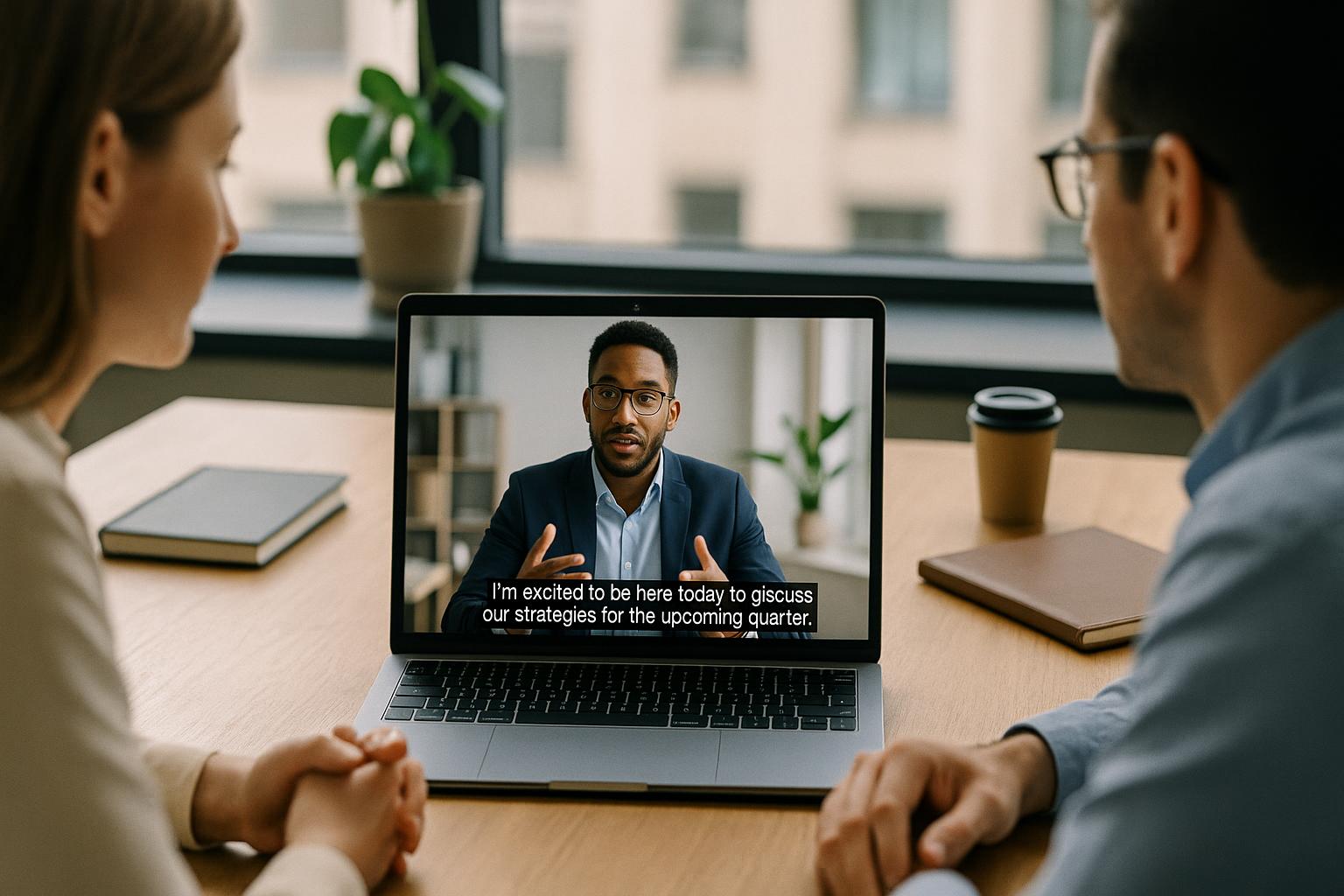
Closed captions make webinars easier to follow, more inclusive, and more resilient to real-world viewing conditions. They support people who are D/deaf or hard of hearing, viewers watching in noisy environments, those joining from shared offices, and anyone who benefits from reading alongside listening. They can also improve comprehension for international audiences and help attendees stay engaged during technical hiccups.
Start by choosing the right caption approach for your format. There are three common options, each suited to different webinar styles and budgets:
1) Human live captioning (stenographer or respeaker): Typically the highest accuracy, especially with complex terminology, names, and multiple speakers. Best for high-stakes events, regulated industries, and large audiences.
2) Automated live captions: Quick to enable and often built into webinar platforms. Quality varies with audio conditions, accents, and crosstalk, but it’s a strong baseline for many internal and mid-scale events.
3) Post-event captions (recording): Ideal when you need polished accessibility for on-demand viewing. This can be combined with live captions or used on its own if the event is not live.
Decide what “good” looks like before you book anything. Define your success criteria: required accuracy, expected audience size, languages needed, and whether captions must be available on every destination platform (e.g. Zoom plus a live stream). If you have compliance requirements, confirm whether you need verbatim captions, speaker labels, or a transcript delivered afterwards.
Prepare your content so captions can be accurate. Even the best captioner or system can be tripped up by jargon and unfamiliar names. A short prep pack makes a big difference:
• Speaker list and roles: Include name pronunciations and job titles if relevant.
• Agenda and key terminology: Product names, acronyms, technical terms, and any non-English words.
• Slides or script: Share in advance where possible, especially if you will quote figures, dates, or complex statements.
• House style: Decide on spelling conventions (UK English), capitalisation, and how you want numbers shown.
Prioritise clean audio, because captions are only as good as the sound. If you want captions that viewers can trust, treat audio as a first-class deliverable:
• Use headsets or dedicated microphones rather than laptop mics whenever possible.
• Ask speakers to join from a quiet space with minimal echo and stable internet.
• Encourage one person speaking at a time and avoid talking over videos or other presenters.
• Run a short sound check for every speaker, not just the host.
Enable captions in your webinar platform and test the full viewer journey. Many platforms allow attendees to turn captions on/off and adjust their view. Confirm:
• Where the captions appear and whether they can be resized or repositioned.
• Whether captions are available on mobile as well as desktop.
• Whether the host can control caption permissions (e.g. who can provide captions, whether auto-captions can be enabled).
• How captions behave with screen sharing and spotlighted speakers.
If you are streaming beyond the webinar platform, plan caption delivery end-to-end. A common pitfall is having captions inside the webinar room but not on the public stream. If you are mixing Zoom feeds with titles, slides, and video, you can typically choose between:
• Open captions: Burnt into the video output so everyone sees them on every platform. This is reliable for multi-platform streaming and recordings, but viewers cannot turn them off.
• Closed captions (embedded/sidecar): Viewers can toggle them on supported platforms. This is more flexible, but requires correct integration for each destination (and not every platform supports every caption format in the same way).
Make captions readable, not just present. Caption quality is more than accuracy. Consider readability and comfort:
• Keep lines short and avoid covering key on-screen information.
• Use sufficient contrast between text and background if you are using open captions.
• Include speaker identification where helpful, especially for panel discussions.
• Caption meaningful non-speech audio when it affects understanding (e.g. “applause”, “laughter”, “video playback”).
Build captions into your run of show. Treat captioning like any other production element, with clear responsibilities:
• Assign a caption point of contact to coordinate with the captioner and handle last-minute terminology changes.
• Schedule a technical rehearsal that includes caption routing, not just speaker video.
• Plan for delays (a small lag is normal) and brief moderators so they do not rush speakers unnecessarily.
• Create a fallback plan if a caption feed drops (e.g. switch to auto-captions, display a notice, or provide a transcript after the event).
Don’t forget the recording and follow-up assets. After the webinar, captions can continue to add value:
• Provide an edited transcript for attendees who prefer reading or need searchable notes.
• Add captions to highlight clips for social media, where many people watch on mute.
• Use captions to support accessibility on your on-demand video library and internal comms platforms.
A quick checklist to keep you on track.
• Choose caption type: human live, automated live, and/or post-event.
• Gather prep materials: names, terms, slides, agenda.
• Confirm audio standards: mics, environment, speaker etiquette.
• Test captions where the audience will watch: webinar room and any live stream destinations.
• Decide open vs closed captions: based on platform support and viewer control.
• Rehearse and assign roles: include a fallback plan.
If you want closed captions that work reliably across Zoom and live streams, with polished titles, slides, pre-recorded video, and a professional live mix, Enbecom Studios can help. Find out more about our live remote webcasting and video services at https://enbecom.tv.