
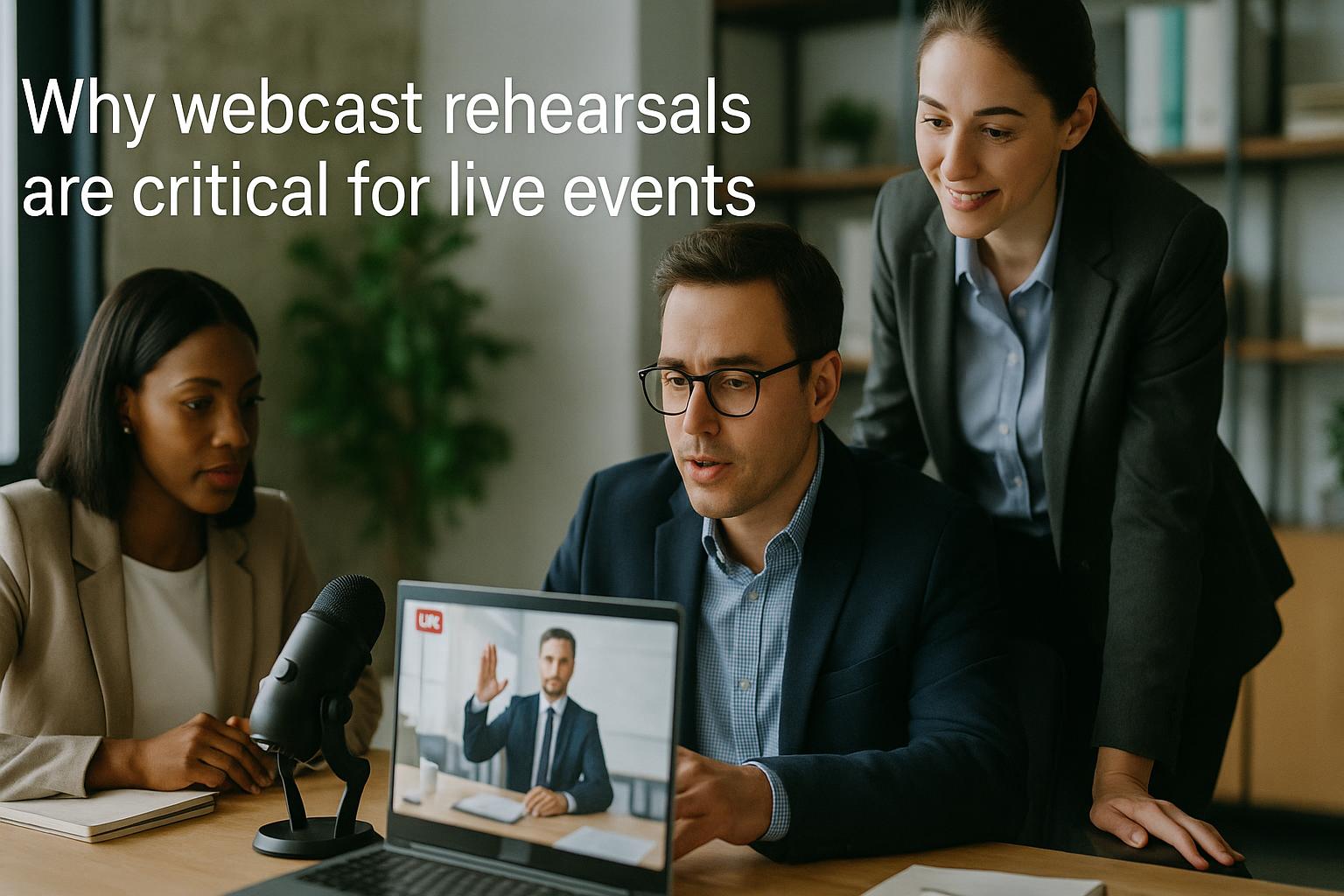
Rehearsals are where live webcasts become reliable. When you are mixing multiple Zoom contributors, slides, pre-recorded video, live captions, lower thirds, audience interactivity and a simultaneous stream to several platforms, the production is only as strong as the preparation behind it. A webcast rehearsal is not a box-ticking exercise; it is the moment you turn a plan into a repeatable, low-risk run of show.
A rehearsal protects the audience experience. Viewers judge your event by clarity, pace and confidence. They notice when speakers talk over each other, when slides do not advance, when audio levels jump, or when a “quick fix” becomes a two-minute pause. Rehearsals help you remove those rough edges before anyone is watching, so the live show feels seamless and intentional.
It is the fastest way to de-risk the technical chain. Live remote events rely on a chain of systems: contributor devices and networks, Zoom settings, audio routing, video playback, graphics, streaming encoders, destination platforms, and often a backup path. A rehearsal lets you validate that chain end-to-end, including the often-forgotten details such as:
• Audio consistency: microphone selection, room echo, noise suppression, gain staging, and how each speaker sounds relative to the others.
• Video quality: camera selection, framing, lighting, virtual backgrounds, screen share resolution, and managing bandwidth limitations.
• Playback reliability: pre-recorded videos playing with correct audio, correct aspect ratio, and no stutter or unexpected overlays.
• Platform behaviour: how YouTube, LinkedIn, Teams, webinar platforms or embedded players handle latency, captions, chat and resolution changes.
Rehearsals improve speaker performance and confidence. Even experienced presenters can feel different when speaking to a lens rather than a room. A rehearsal gives contributors time to settle into the format, practise looking at camera, manage notes, and get comfortable with cues. It also helps speakers understand what “good webinar delivery” looks like: pausing for interpretation or captions, leaving space for questions, and keeping answers tight to maintain momentum.
They clarify roles, cues and timing. Many webcast issues are not technical at all; they are coordination problems. A rehearsal confirms who is introducing whom, when slides change, when videos roll, how Q&A will be handled, and what happens if the schedule slips. This is also the time to lock down the run of show so everyone shares the same version, with clear timings and responsibilities.
They expose hidden content risks. Live events frequently involve last-minute changes: updated decks, new speaker bios, revised sponsor slides, or swapped videos. Rehearsals surface issues like missing fonts, broken embedded media, incorrect names, outdated statistics, or copyright-sensitive imagery. Fixing these in advance avoids awkward on-air corrections and protects your brand.
Rehearsals make interactivity work rather than distract. Polls, Q&A, chat moderation, on-screen questions, audience prompts and call-to-action moments can lift an event, but only if they are integrated smoothly. A rehearsal lets you test the flow: how questions are collected, who selects them, how they are displayed, and how the presenter transitions without losing pace. It also helps you decide what to do if engagement is lower than expected, so you are not improvising live.
They create a plan for what happens when something goes wrong. In a live remote environment, a speaker’s Wi‑Fi may drop, audio can fail, or a screen share may not appear. Rehearsals are the right time to agree simple contingency actions, such as:
• Speaker drop-out: switching to a holding slide, moving to the next segment, or bringing in a standby contributor.
• Audio issues: swapping to a backup headset, dial-in audio, or an alternative device.
• Slide failure: playing from the production team’s copy rather than relying on the presenter’s screen share.
• Timing overruns: which sections can be shortened without damaging the message.
They help you standardise contributor setups. A rehearsal is the best opportunity to align contributors on practical standards: using wired headphones where possible, sitting facing a window rather than behind it, placing the camera at eye level, and closing bandwidth-heavy applications. When multiple speakers follow consistent guidance, the overall programme looks and sounds more cohesive.
They reduce stress for organisers. Event teams are often balancing stakeholders, approvals, compliance requirements and internal comms expectations. A well-run rehearsal provides certainty: you know what will happen, in what order, and with what assets. That confidence pays off on the day, when decisions are faster and the team can focus on delivering a calm, polished broadcast rather than firefighting.
What a good webcast rehearsal should include. To get real value, rehearsals should be structured. A practical approach is:
• Technical check: confirm audio/video for each contributor, test screen share, confirm lighting and framing, and check network stability.
• Full run-through: walk the show in order with slides, videos, titles and transitions, using the same production workflow planned for live.
• Interactivity test: trial polls, Q&A and chat moderation, and confirm how on-screen questions or captions will appear.
• Contingency drill: simulate one or two common failures so everyone knows the response.
• Final asset lock: confirm the definitive slide deck, videos, names/titles, and any compliance statements.
Rehearsals are not about perfection; they are about control. Live events will always have variables, especially with remote contributors. The goal of rehearsal is to reduce uncertainty, strengthen the production plan, and ensure the audience receives a smooth, engaging experience that reflects well on your organisation.
If you want your next live webcast to feel effortless to viewers, start with a rehearsal-led production approach. To find out more about Enbecom Studios’ live remote webcasting and video services, including bringing in live Zoom feeds, mixing graphics, captions, slides and pre-recorded content, and streaming to multiple platforms, visit https://enbecom.tv.