
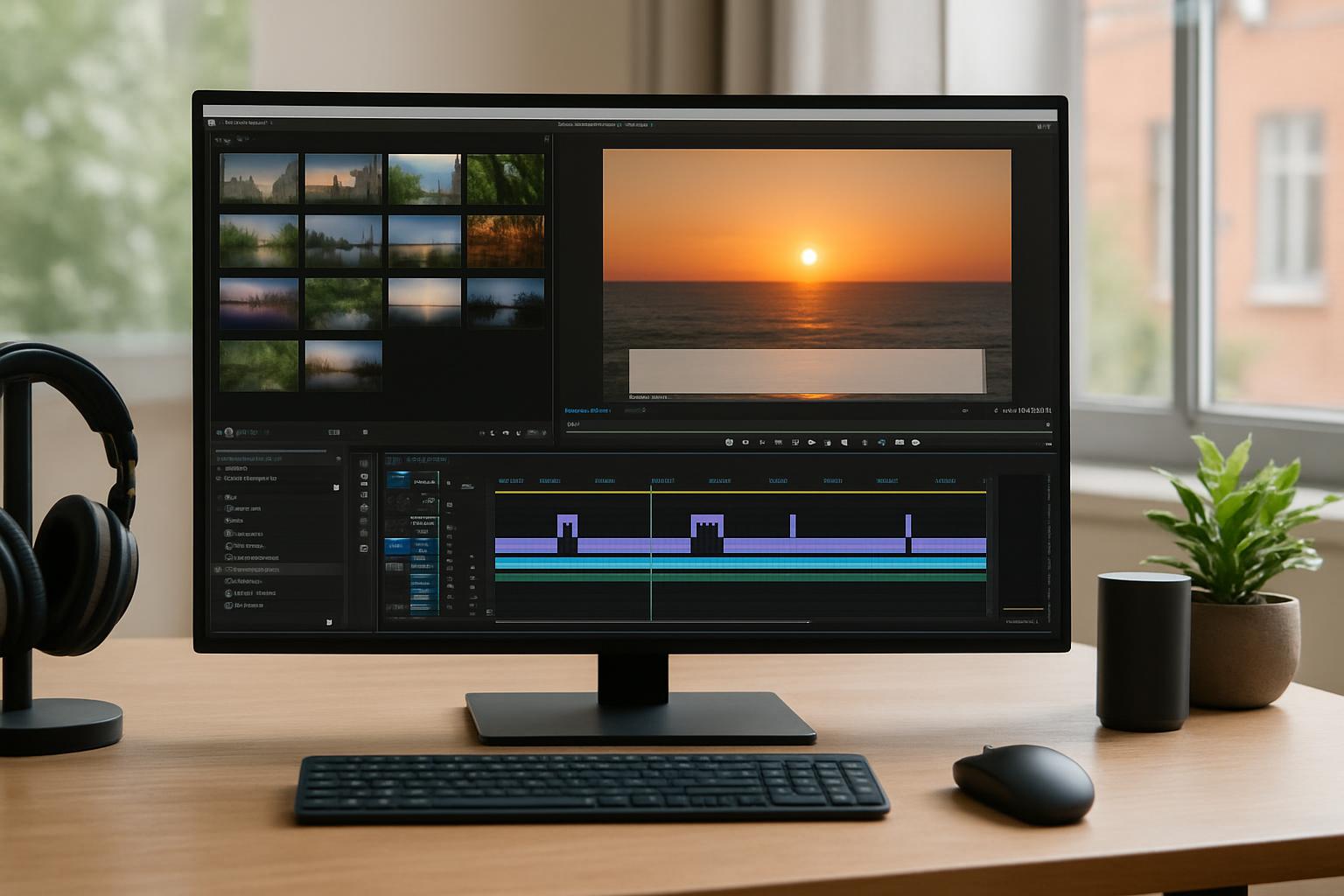
Lower thirds is a broadcast term for the on-screen graphics that appear in the lower portion of the frame during a TV programme, webinar or webcast. They are part of a wider set of graphic overlays used to add context and clarity without interrupting the main content.
Why they are called lower thirds comes down to placement. The screen is often thought of in horizontal bands, and the “lower third” refers to the bottom third of the picture area. Graphics placed there are less likely to obscure faces, demonstrations, or slides, while still being easy for viewers to notice.
What lower thirds typically include depends on the production, but common examples are:
• Speaker identification (name, job title, organisation)
• Topic or segment titles to help viewers follow the agenda
• Key messages such as short headlines or summary points
• Location or context (useful for multi-site events or case studies)
• Calls to action like “submit questions in the Q&A” or “poll now open”
How lower thirds help your audience is largely about reducing friction. In a live environment, viewers can join late, watch on mute, or be distracted by other tasks. A well-timed lower third quickly answers “who is speaking?” and “what are we talking about?” without the presenter needing to repeat themselves.
Lower thirds also support accessibility and comprehension. Clear captions and identifiers can help viewers who are unfamiliar with the speakers, those watching on smaller screens, or anyone trying to keep up with fast-moving discussions. When used alongside other overlays (such as agenda straps, chapter markers, or prompts for interaction), they make a live webinar feel more like a polished broadcast.
What makes an effective lower third is usually simplicity and consistency. Good lower thirds are readable, on-brand, and timed to the moment. They avoid long sentences, use high contrast, and sit safely within the visible area across devices and platforms. They also match the tone of the event: a corporate briefing may favour restrained typography, while a product launch can be more dynamic.
Common pitfalls to avoid include overcrowding the graphic, placing it too low (where it may be cut off on some displays), using colours that clash with the background, or leaving it on screen for too long. In live webinars and webcasts, another frequent issue is inconsistency between speakers, which can make the production feel less cohesive.
Lower thirds in webinars and webcasts are especially useful because live remote contributors often join from different locations with varying camera setups. A consistent set of lower thirds can unify the look of the event, reinforce credibility, and help the audience stay oriented as you switch between Zoom feeds, slides, videos and panel discussions.
If you’d like your next live webinar or webcast to look and feel more like a broadcast, with professional lower thirds, titles, captions, mixed Zoom feeds, slides, video inserts and interactivity, find out more about Enbecom Studios’ live remote webcasting and video services at https://enbecom.tv.