
Start with the outcome, then choose the right mix
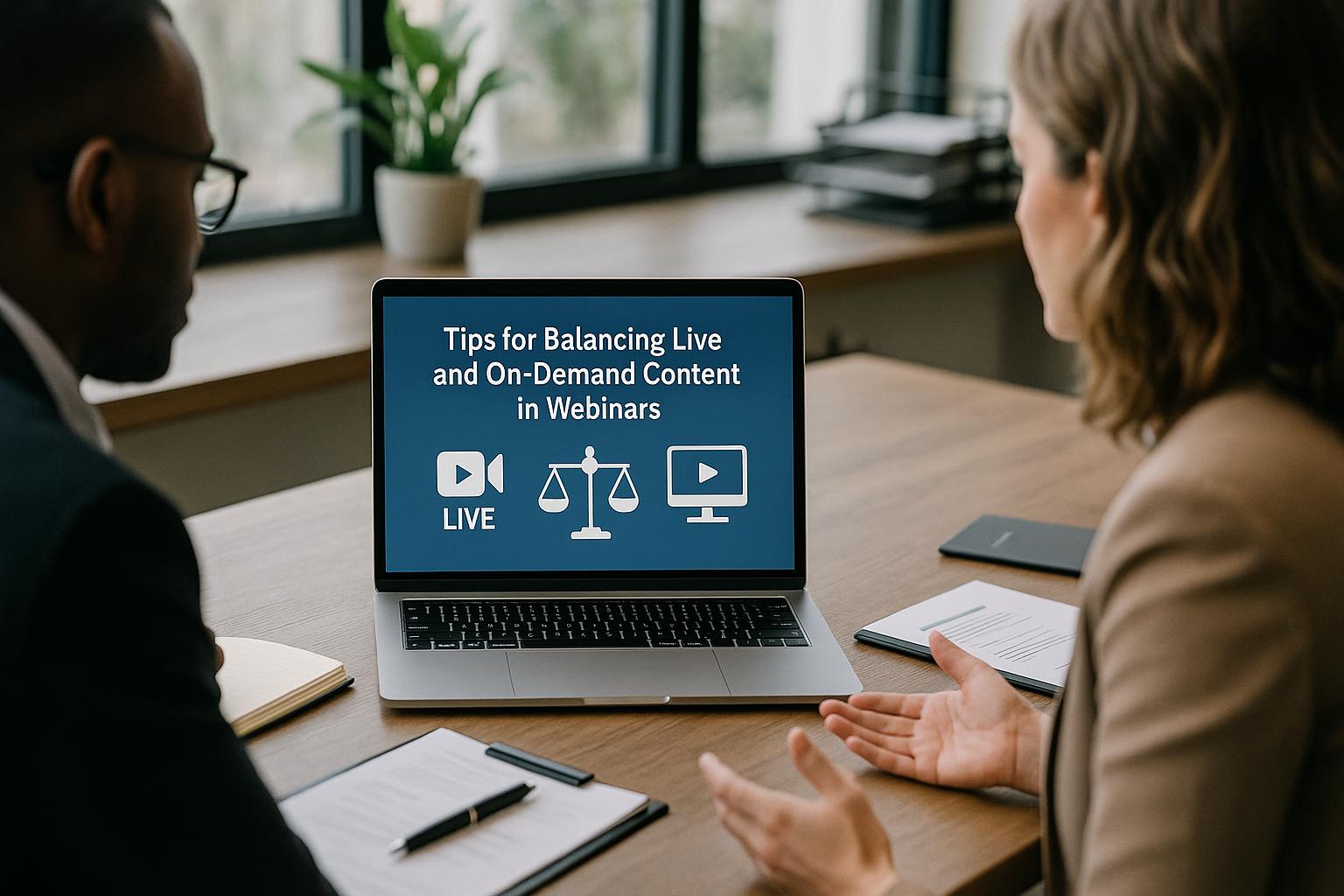
Balancing live and on-demand content starts with clarity on what your audience needs to do after the webinar. If the goal is understanding, on-demand segments such as short explainers and demos can carry much of the load. If the goal is alignment, commitment, or decision-making, you will benefit from more live moments where people can ask questions, react, and feel heard. A practical rule is to keep live time for anything that benefits from immediacy (Q&A, discussion, decision points) and use on-demand for anything that benefits from polish (walkthroughs, case studies, product tours, compliance statements).
Design a “live spine” with on-demand building blocks
Rather than treating on-demand as an afterthought, plan a strong live spine that holds the session together: a tight opening, clear chaptering, interactive checkpoints, and a decisive close. Then slot in on-demand building blocks where they improve pace and quality. For example, open live to set context and expectations, play a pre-recorded customer story to add credibility without risking audio issues, return live for a panel reaction, then move into a pre-recorded product segment, before finishing live with Q&A and next steps. This approach keeps energy high while protecting the most important messages.
Use pre-recorded video to reduce risk, not reduce engagement
Pre-recording is often used to avoid technical uncertainty, but it should still feel connected to the live event. Keep pre-recorded sections short (typically 2–6 minutes), introduce each clip live with a clear reason for watching, and follow it immediately with a live question, poll, or discussion point. Viewers are far more likely to stay attentive when they know they will be asked to respond. If a clip contains data-heavy content, consider adding live commentary over the top or a quick recap afterwards to reinforce key points.
Make the transition between live and on-demand seamless
The audience experiences your webinar as one continuous programme, so transitions matter. Use consistent titles, lower-thirds, and visual styling so that pre-recorded segments feel like part of the same show. Have the host signpost what is coming next (“In a moment you’ll see…”) and what to listen out for (“Watch for the three steps…”). When the clip ends, return live with a specific prompt rather than a vague “So, yes…”, for example: “Which of those options best matches your current process?” This keeps momentum and reduces the sense of interruption.
Build interactivity around the content, not as a bolt-on
Interactivity is where live webinars outperform on-demand viewing, but it needs to be purposeful. Place polls where they change what happens next: choose which topic to go deeper on, prioritise questions, or decide which case study to explore. Use chat prompts to gather real examples (“Share one challenge you’re facing with…”) and then reflect those back live to prove you are listening. If you are using pre-recorded segments, schedule interaction immediately before and after them, so the audience stays active rather than passive.
Plan for different viewing behaviours
Some attendees will watch live, some will join late, and others will only watch the recording. A balanced approach caters to all three. For live viewers, keep a predictable rhythm: short segments, clear chapter markers, and regular interaction. For late joiners, include quick “where we are now” resets every 10–15 minutes. For on-demand viewers, structure the recording so it is easy to navigate: clear section titles, concise slides, and a recap at the end of each chapter. If you can, provide timestamps or a clickable agenda in the follow-up email to make the on-demand experience feel intentional.
Keep live Q&A focused and well-managed
Q&A is often the most valuable live component, but it can drift. Collect questions throughout, group them into themes, and prioritise those that match your webinar outcome. Consider combining live and on-demand answers: address the top questions live, then promise a follow-up resource for the rest. This avoids running over time while still respecting audience input. A moderated Q&A also reduces risk, keeps the tone professional, and helps the presenter stay in control.
Use on-demand content to raise production value without extending the schedule
On-demand segments can make a webinar feel more like a broadcast without demanding a longer live slot. Pre-recorded demos can be tighter than live screen shares, customer stories can be recorded with better audio and framing, and complex visuals can be prepared in advance. The result is a smoother experience for viewers and less pressure on speakers. Aim to keep the overall runtime disciplined: if you add a pre-recorded segment, reduce live presentation time accordingly rather than simply stacking more content on top.
Rehearse like a show, not a meeting
When you mix live and pre-recorded content, timing and cues become critical. Run a rehearsal that includes: the exact media you will play, the transitions between speakers, the moments where interactivity happens, and the contingency plan if a contributor drops out. Confirm who is responsible for launching videos, advancing slides, and monitoring chat. A short run-through can prevent awkward gaps, talking over video playback, or missed audience questions, all of which can undermine confidence.
Measure success across both formats
Live attendance is only one indicator. Track engagement during the live session (poll responses, chat activity, Q&A volume), and then measure on-demand performance (average watch time, drop-off points, replays of key sections). Use this data to refine your balance: if viewers consistently drop during long live monologues, replace some of that content with tighter pre-recorded segments. If on-demand viewers skip ahead, improve chaptering and tighten the opening. The best balance is the one that your audience behaviour proves works.
Turn one webinar into a content system
A smart live/on-demand strategy reduces the pressure to “get everything in” during the live event. Use the webinar to create a content system: a strong live programme, an on-demand recording with clear chapters, and a set of short clips or highlights for follow-up. This approach keeps the live session engaging and time-efficient, while extending the value of the content long after the broadcast ends.
If you want your webinars to feel polished, engaging, and reliable
Balancing live and on-demand content is much easier when the production is handled like a broadcast: multiple live Zoom feeds, professionally mixed with titles, captions, slides, pre-recorded video, and interactivity, then streamed to the platforms your audience prefers. To find out more about Enbecom Studios’ live remote webcasting and video services, visit https://enbecom.tv.