
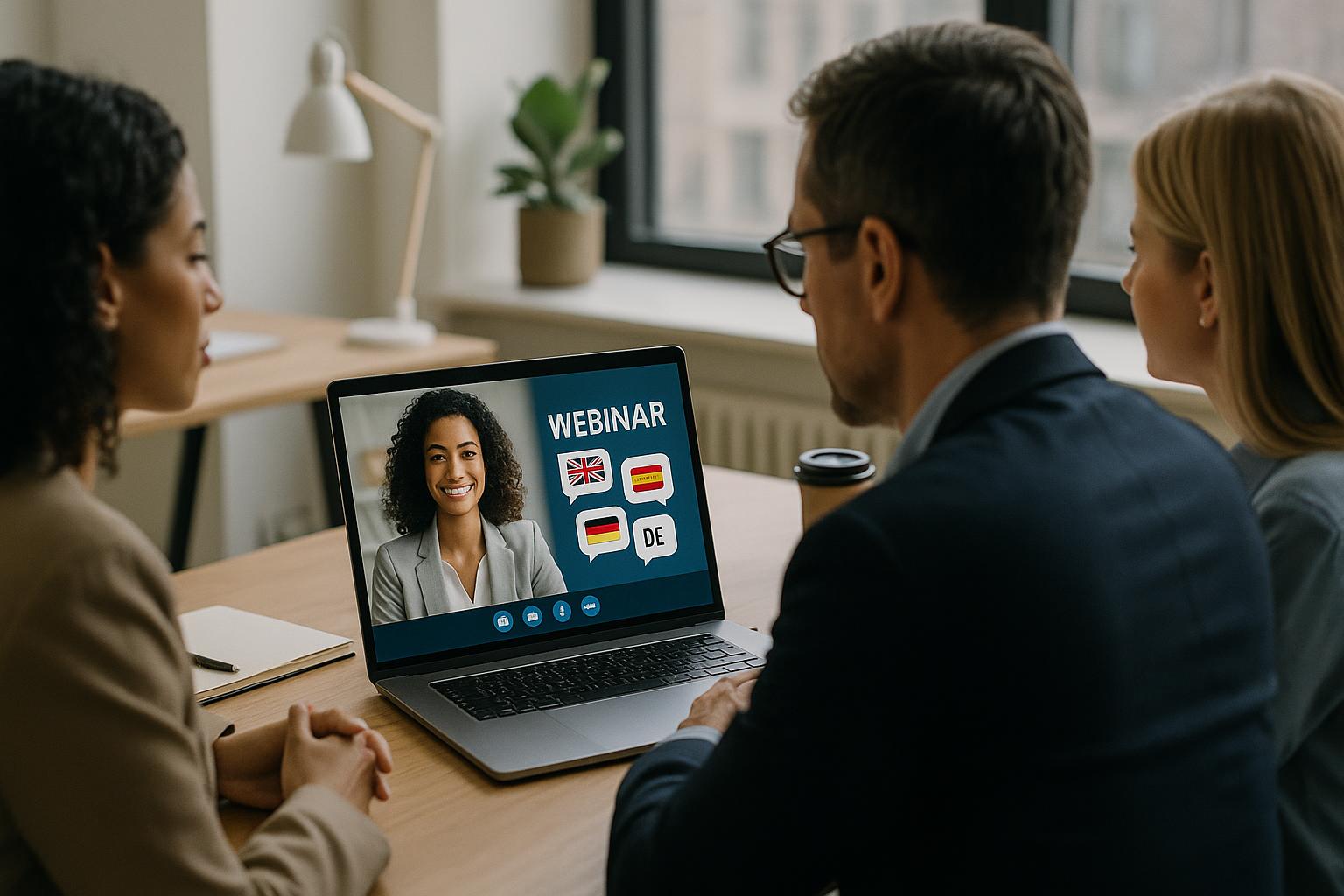
Start with the language plan, not the platform
A multi-language webinar succeeds or fails on planning. Before you choose tools or design slides, define your language model: will you run simultaneous interpretation, separate language audio tracks, parallel sessions, or a mix? Map this to your audience locations and time zones, then decide how many languages you can support without compromising quality. A clear plan also helps you set expectations early, which reduces confusion on the day.
Choose the right delivery model for your audience
There are three common approaches, each with trade-offs:
Simultaneous interpretation: one webinar, multiple audio channels. Best when you need everyone in the same session for shared Q&A and a unified experience.
Separate language sessions: multiple webinars, each delivered in a single language. Best for deep engagement and culturally tailored delivery, but it requires more scheduling and resourcing.
Hybrid model: a main session with interpretation plus a follow-up language-specific session. Best when you want a single flagship event but still need space for localised discussion.
Whichever model you choose, make it obvious at registration and in joining instructions so attendees know exactly how to access their language.
Build a run of show that protects clarity
Multi-language delivery adds moving parts, so your run of show needs to be more detailed than usual. Include timing for interpreter handovers, speaker changes, video roll-ins, polls, and Q&A. Add “buffer moments” to handle inevitable delays such as late speaker joins, audio resets, or the need to repeat a key point. A strong run of show also helps presenters keep their pace steady, which is essential for interpretation.
Brief speakers to speak for interpretation
Even experienced presenters may not realise how different it is to speak through interpreters. A short speaker brief can transform the experience:
Speak in complete thoughts and avoid long, winding sentences.
Slow down slightly, but keep energy and warmth.
Avoid idioms, jargon, and culturally specific references unless you explain them.
Signpost structure (“first… next… finally…”) so interpreters and viewers can follow.
Read numbers clearly and repeat critical figures once.
If speakers are using slides, ask them not to read them verbatim, and ensure any key terminology is shared with interpreters in advance.
Prepare interpreters and translators with the right materials
Interpreters perform best when they can prepare. Provide slide decks, scripts, speaker notes, product names, acronyms, and a glossary of preferred terms. If you have pre-recorded videos, share them early and confirm whether you need translated captions, dubbed audio, or interpreter voiceover. For regulated sectors, agree on terminology and disclaimers ahead of time to avoid last-minute corrections.
Design slides for multilingual readability
Slides that look great in one language can become cluttered in another. Keep layouts flexible and avoid text-heavy designs. Use larger font sizes, strong contrast, and meaningful visuals. If you’re showing bilingual or multilingual slides, be consistent in placement and hierarchy so the eye knows where to go. Where possible, use icons and charts to reduce reliance on text, and ensure any on-screen labels can be understood quickly.
Make language selection effortless for attendees
The attendee experience should be simple: join, select language, watch. Provide clear joining instructions with screenshots and plain language. Repeat the key steps in reminder emails and at the start of the webinar. If you’re using audio channels, tell attendees how to select the correct channel and what to do if they can’t hear it. If you’re using separate sessions, ensure the correct links are delivered based on registration choices.
Use professional audio standards to protect comprehension
When people are listening in a second language or through interpretation, audio quality matters even more. Ask presenters to use a wired headset or quality USB microphone, avoid speakerphone audio, and join from a quiet room. Encourage a stable wired internet connection where possible. A technical check with each speaker and interpreter is time well spent, particularly to confirm levels, echo cancellation, and how they will communicate with the production team during the event.
Plan moderation and Q&A across languages
Q&A is where multi-language webinars often stumble. Decide how questions will be collected and answered:
Single Q&A stream with questions submitted in multiple languages and moderated into a shared queue.
Language-specific Q&A where each language has its own moderator and segment.
Live questions via microphone, which can work well but needs careful queueing and clear interpretation rules.
Whichever approach you choose, set ground rules early (how to submit questions, whether they will be translated, and how answers will be delivered). Consider using polls to gather input quickly without translation overhead, then summarise results clearly for all audiences.
Rehearse the transitions that matter most
In a multi-language webinar, smooth transitions are the difference between professional and chaotic. Rehearse the opening, language selection instructions, speaker handovers, video playback, and the move into Q&A. Confirm how interpreters will signal issues, how the producer will communicate with presenters, and what the fallback plan is if a speaker drops out or an audio channel fails. A short technical rehearsal can prevent long live delays.
Include accessibility from the start
Multi-language does not replace accessibility. Consider live captions, translated captions for recordings, and clear on-screen labelling for speakers. If you have attendees with hearing impairments, ensure your approach supports them in each language where possible. Accessibility is not only inclusive; it also improves comprehension for everyone, especially in noisy environments or when attendees are multitasking.
Repurpose the content with localisation in mind
After the event, your multi-language assets can deliver ongoing value. Plan for edited recordings per language, highlight clips with translated captions, and written summaries tailored to each region. If you’re distributing on multiple platforms, check that your chosen format supports the language options you’ve promised, including caption files and separate audio tracks where needed.
Keep the experience cohesive with live production
Multi-language webinars are much easier when you have a production approach that can bring together live Zoom feeds, slides, titles, captions, pre-recorded videos, and interactive elements into one coherent broadcast. This helps you maintain consistent branding, pace, and clarity, while reducing the burden on presenters and moderators who should be focused on content and audience engagement.
If you’re planning a multi-language webinar and want it to feel effortless for your audience, explore how Enbecom Studios can support you with live remote webcasting and video services, from technical planning and rehearsals to full live mixing and streaming across platforms. Find out more at https://enbecom.tv.