
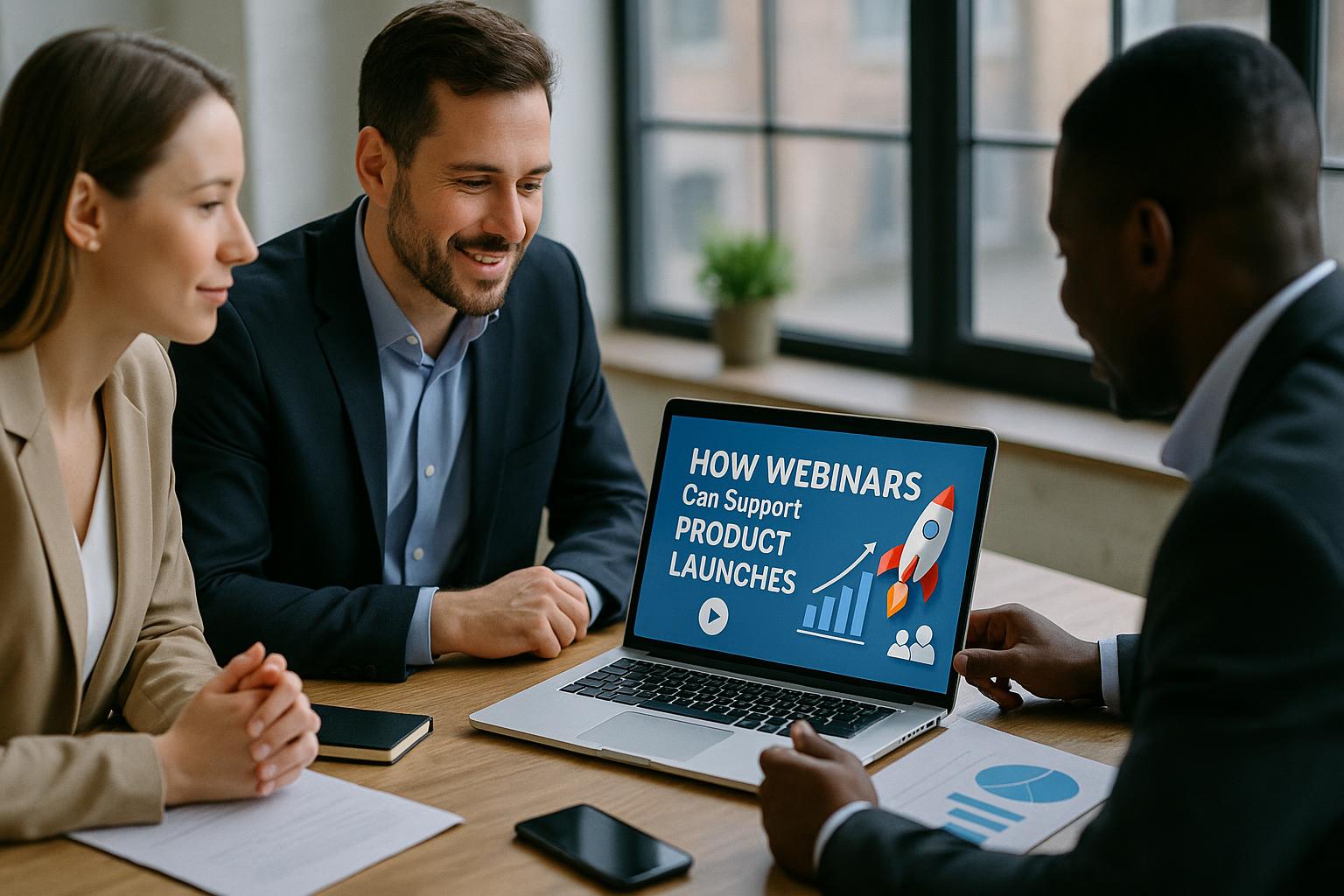
Webinars bring your launch story to life
A product launch is rarely just about listing features. It is about helping people understand what has changed, why it matters, and how it fits into their world. Webinars are well suited to this because they combine narrative, demonstration, and real-time interaction in one place. You can show the product working, explain the thinking behind it, and address questions as they arise, all while keeping the experience consistent for audiences joining from anywhere.
Build momentum before launch day
Webinars can support the pre-launch phase by creating anticipation and confidence. A short “coming soon” session can share the problem you are solving, the outcomes users can expect, and the timeline for release without giving everything away. For established audiences, early access briefings or partner enablement webinars help ensure your wider ecosystem is ready to talk about the product accurately and enthusiastically.
Used well, these sessions also function as a listening tool. Polls and Q&A can highlight which benefits resonate, what objections might slow adoption, and which use cases need clearer messaging in your launch assets.
Make the launch event more than a presentation
Launch webinars work best when they feel like a live experience rather than a slide deck with a voiceover. Consider a structured run-of-show that keeps pace and variety:
1) A clear narrative arc
Open with the challenge, then move to the solution, then show proof. Keep the “why now” front and centre so the product feels timely and relevant.
2) Live demos that answer real questions
A controlled live demo can be powerful, especially when it is organised around scenarios your audience recognises. Combine screen share, camera shots, and on-screen captions so viewers can follow easily, even on smaller devices.
3) Multiple voices, not a monologue
Mixing presenters can add credibility and energy: product leads for vision, engineers for depth, customer success for outcomes, and a customer or partner for social proof. A moderator keeps transitions smooth and ensures audience questions are handled well.
4) Interactivity that guides the content
Simple tools such as polls, chat prompts, and moderated Q&A keep attention high and help you prioritise what to explain. If you plan interactive moments, brief your speakers so they know when to pause and respond.
Use production to improve clarity and trust
High-quality production is not about being flashy; it is about being clear. Viewers are more likely to stay engaged when audio is clean, visuals are readable, and the experience feels intentional. Practical production elements that support product launches include:
On-screen titles and speaker names to reinforce authority and reduce confusion when multiple contributors join.
Lower-third captions and key points to make benefits memorable and accessible.
Picture-in-picture layouts so audiences can see the presenter while watching a demo or slide.
Pre-recorded inserts for complex demos, customer quotes, or product animations, played seamlessly within the live show.
Contingency planning such as backup playback, alternative speaker connections, and rehearsed transitions, which protects your launch moment if something unexpected happens.
Extend the launch with a webinar series
One webinar can create awareness, but a series can drive adoption. After launch day, follow up with sessions that help different audiences succeed:
Deep dives by role (for example, IT, operations, marketing, or finance) that focus on the features each group cares about.
Use case workshops that show end-to-end workflows rather than isolated features.
Customer onboarding sessions to reduce friction and improve time to value.
Partner and reseller enablement to ensure consistent messaging and confident selling.
This approach turns a launch into a sustained campaign and gives you multiple opportunities to refine your story based on real audience feedback.
Repurpose webinar content into launch assets
A well-run webinar can produce a library of content that supports your launch long after the live moment. Break the recording into short clips for social channels, create highlight reels for internal teams, and turn Q&A into an FAQ page. Product demo segments can become evergreen videos for your website, while key explanations can be transcribed into blog posts, sales enablement documents, and customer support articles.
Planning for repurposing from the start makes this easier. For example, use clear chapter markers, keep slides uncluttered, and ensure presenters summarise key points in complete sentences that work well as soundbites.
Measure what matters and improve quickly
Webinars provide immediate signals about launch performance. Attendance and drop-off rates indicate whether the topic and pacing worked. Poll results show which benefits landed. Q&A themes highlight what needs clearer positioning. If you track registrations by source and segment, you can also see which channels and audiences are responding best, then adjust your follow-up messaging accordingly.
Most importantly, webinars create a direct line between your team and your market. That feedback loop helps you improve not only the launch campaign, but also the product narrative over time.
Make your next product launch feel effortless for your audience
If you want your launch webinar to look polished, sound professional, and run smoothly while you focus on the message, Enbecom Studios can help. Find out more about our live remote webcasting and video services at https://enbecom.tv.